AI That Helps, Not Hinders: A Guide to Customer Service Bots People Don't Hate
We've all been trapped in the endless loop of a bad chatbot. Here are the practical design choices that separate helpful AI customer service from a frustrating mess.

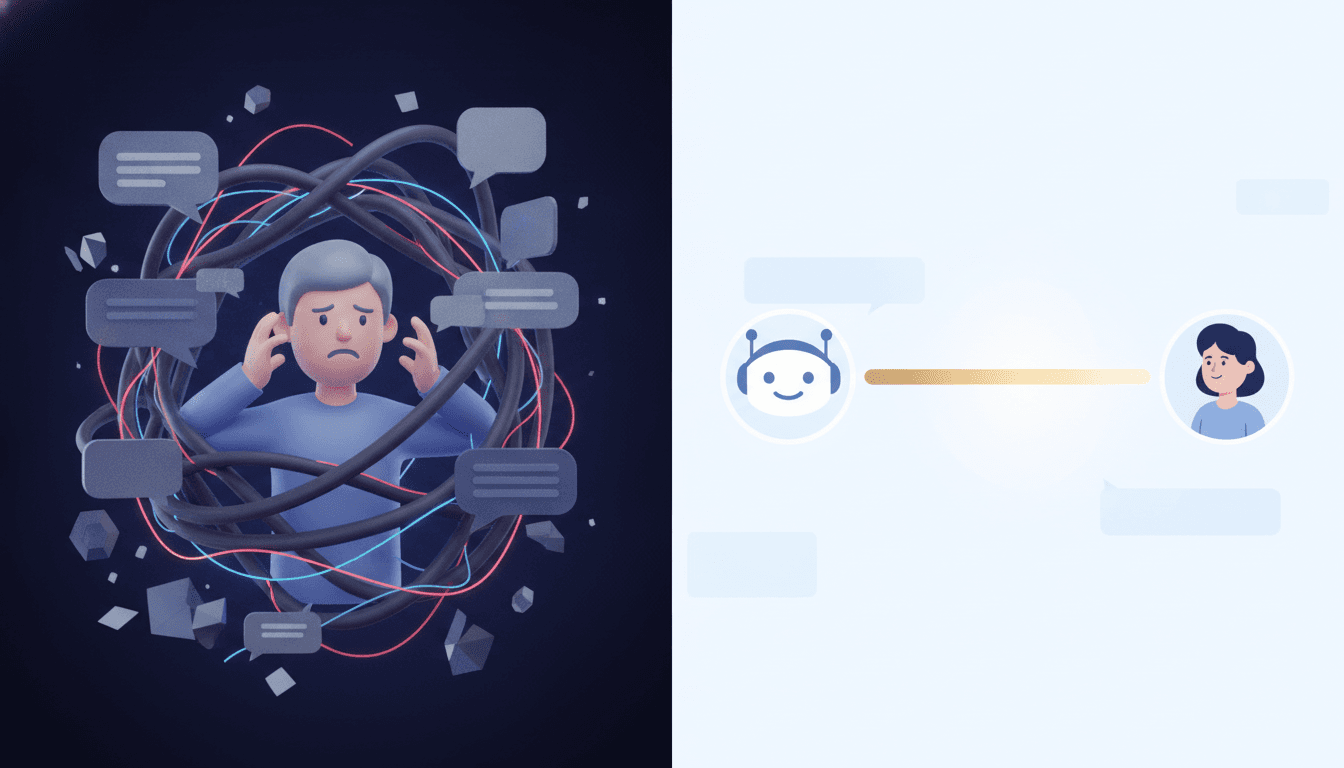
We've all been there. Stuck. You have a simple question, but you’re trapped in a digital hellscape with an unhelpful AI, looping through the same three irrelevant menu options. The worst part? There’s no “talk to a human” button anywhere. According to a Forbes article on a Forrester survey, half of all consumers are frequently frustrated with these things, and a single bad experience is enough to send 30% of them running to a competitor. That isn't just an annoyance. It’s a direct threat to your business. The promise of AI customer service best practices isn't just about cutting costs—it's about delivering instant support without torching your customer relationships.
So what separates a beloved AI assistant from a rage-inducing digital wall? A handful of deliberate design choices. It’s about building a system that knows its own limits and—critically—respects the customer’s time. The entire challenge is to blend the raw efficiency of automation with something that at least approximates human empathy. Get this right, and you end up with happier customers and a more effective support team that can finally breathe.
When to Escalate: The Art of the Handoff
Here’s the single most critical rule of good AI chatbot design: know when to shut up and get a human. A chatbot without a clear, accessible escalation path is a liability. Period. Customers get it, bots can't handle everything, but their patience evaporates the second they feel trapped. In fact, research shows that a whopping 80% of people will only use a chatbot if they know a human escape hatch actually exists.
So, what are the non-negotiable triggers for an immediate handoff to a person?
- Direct Request: This one's a no-brainer. If a user types “talk to a person” or “agent,” the handoff must be immediate. Hiding this option is the cardinal sin of AI support.
- Sentiment Analysis: Good AI can read the room. It should detect frustration, anger, or confusion in a user's language—phrases like “this isn’t working” or “you don’t understand”—and use them as instant triggers to offer a human connection. This is how you rescue an interaction before the customer gives up.
- Repeated Failures: Did the bot offer the same useless solution twice? Time's up. Escalate. This is non-negotiable for preventing the dreaded infinite loop that drives customers away for good. Some systems even use confidence scores; if the AI's confidence in its own answer drops below a certain line too many times, it automatically routes to a person.
- Complex or High-Stakes Issues: Some topics are just off-limits for a bot. A SurveyMonkey study confirms what we all know instinctively: people want a human for the big stuff. Billing disputes (85%!), data security concerns (78%), and complex product troubleshooting (76%) all demand a human touch. Define these sensitive topics from day one and build rules to route them correctly.
And the handoff itself? It must be seamless. All the context—the customer's name, their issue, what the bot already tried—needs to land in the human agent's lap. Nothing makes a customer angrier than having to repeat their whole story from the beginning. As we detail in our guide on How to Build an AI Strategy That Actually Delivers Business Value, integrating these systems isn't a nice-to-have, it's foundational.
Finding the Right Voice: Tone and Personality Matter
A chatbot's personality isn't an afterthought. It's a core part of the experience. And let's be clear: the goal isn't to trick users into thinking they're talking to a person. That's just creepy. The point is to create a consistent, helpful voice that aligns with your brand.
Crafting that tone comes down to a few key things:
- Match Your Brand and Audience: A chatbot for a bank should sound professional and reassuring. One for a gaming company can be more playful. Does the bot sound like it came from the same company as your website copy? It should.
- Clarity Over Cleverness: The bot's primary job is to be helpful. That's it. So avoid jargon, complex sentences, or slang that might confuse people. A simple, “Let me check on that for you…” always beats a robotic, “Retrieving requested data…”
- Write Like a Person (But a Very Efficient One): Use contractions. Use a direct, active voice. The conversation should feel natural, not like reading a technical manual. But a bot should also be concise. Users need to grasp information quickly, often through a mix of short text and interactive buttons.
This personality should show up everywhere, from the first welcome message to the last error notification. This consistency is what builds trust and makes the entire experience feel polished and thoughtful.
AI Support Chatbot Tips for a Better Experience
Beyond the critical handoff and a well-defined tone, a few other design principles can mean the difference between a helpful tool and a frustrating dead end. These tips are all about managing expectations and making the conversation flow.
Set Clear Expectations from the Start
That first interaction is everything. Avoid a vague opening like “How can I help?” Instead, guide the user with a clear prompt and suggested actions. A message like, “I can help with order tracking, returns, or product questions. What are you looking for today?” immediately orients the user and, just as important, tells them what the bot *can't* do. This transparency prevents a world of frustration.
Don't Just Talk, Show
A wall of text is a conversation killer. Where possible, use visual elements. Instead of just providing a link to a product, show an image. Use buttons and quick-reply options to minimize how much someone has to type, especially on a phone. It's faster and less prone to errors.
Build on a Solid Foundation
An AI chatbot is only as good as the information it’s trained on. Garbage in, garbage out. Before you launch, you must have a comprehensive, up-to-date knowledge base. This is the “source of truth” your AI uses. An AI pulling from outdated or incomplete help articles will inevitably provide wrong answers, eroding customer trust in a heartbeat.
Companies like Uber use AI to analyze customer feedback to spot and fix issues before they become widespread, a proactive approach that keeps its information relevant. The health brand Obvi took a similar path, using automation to triage over 10,000 support tickets a month, routing them to the right workflows and freeing up agents for high-touch interactions.
So no, this isn't about replacing humans. It’s about augmenting them. Let AI handle the routine, repetitive queries so your human agents can focus on the complex, emotionally charged issues where their skills are truly valuable. A well-designed chatbot is an intelligent front door—it guides, it sorts, it solves what it can, and then it gets out of the way for a warm, seamless handoff. As we cover in our report on Google's New Gemini Models Aren't About Power—They're About Cost, this is the real future of customer support: not a frustrating robot, but a powerful, collaborative system.
Related Articles



This article was produced with AI assistance under human direction, and reviewed and fact-checked by a named editor before publication. How we work.
Frequently asked questions
- What is the most important feature of a good AI customer service chatbot?
- The most critical feature is a clear, seamless, and easily accessible path to a human agent. Customers become frustrated when they feel trapped in a loop with a bot that cannot solve their problem. A well-designed chatbot knows its limitations and offers a handoff when a query is too complex, emotionally charged, or if the user simply requests to speak with a person.
- How can I make my chatbot sound more natural without pretending it's human?
- Focus on creating a voice that is consistent with your brand identity and prioritizing clarity. Use a conversational tone with simple language, an active voice, and contractions. Avoid robotic phrases like "retrieving data." Instead, use more human-like phrasing such as "Let me check on that for you." It's also vital to be transparent that the user is interacting with a bot to manage expectations correctly.
- When should a chatbot escalate a conversation to a human agent?
- A chatbot should escalate to a human agent in several key scenarios: when the user explicitly asks to speak to a person, when sentiment analysis detects frustration or anger, if the bot fails to resolve an issue after two attempts, or when the topic is complex or sensitive, such as a billing dispute or security concern. Pre-defining these triggers is a core component of good AI chatbot design.
- What is a common mistake in AI chatbot design?
- A common mistake is failing to provide the human agent with the context of the chatbot conversation during an escalation. Customers find it extremely frustrating to have to repeat their issue, order number, and previous troubleshooting steps to a new person. A seamless handoff ensures all relevant information is transferred, allowing the human agent to pick up exactly where the bot left off.
Sources & further reading
Sources
- forbes.com — forbes.com
- attlas.so — attlas.so
- kustomer.com — kustomer.com
- eesel.ai — eesel.ai
- surveymonkey.com — surveymonkey.com
- socialintents.com — socialintents.com