The Best AI Meeting Assistants for 2026, Compared
Your next meeting doesn't need manual notes. We tested the top AI tools that transcribe, summarize, and plug into your workflow, comparing them on accuracy, privacy, and raw power.
 Salman Oukati Sadegh6 min read
The End of Manual Meeting Notes
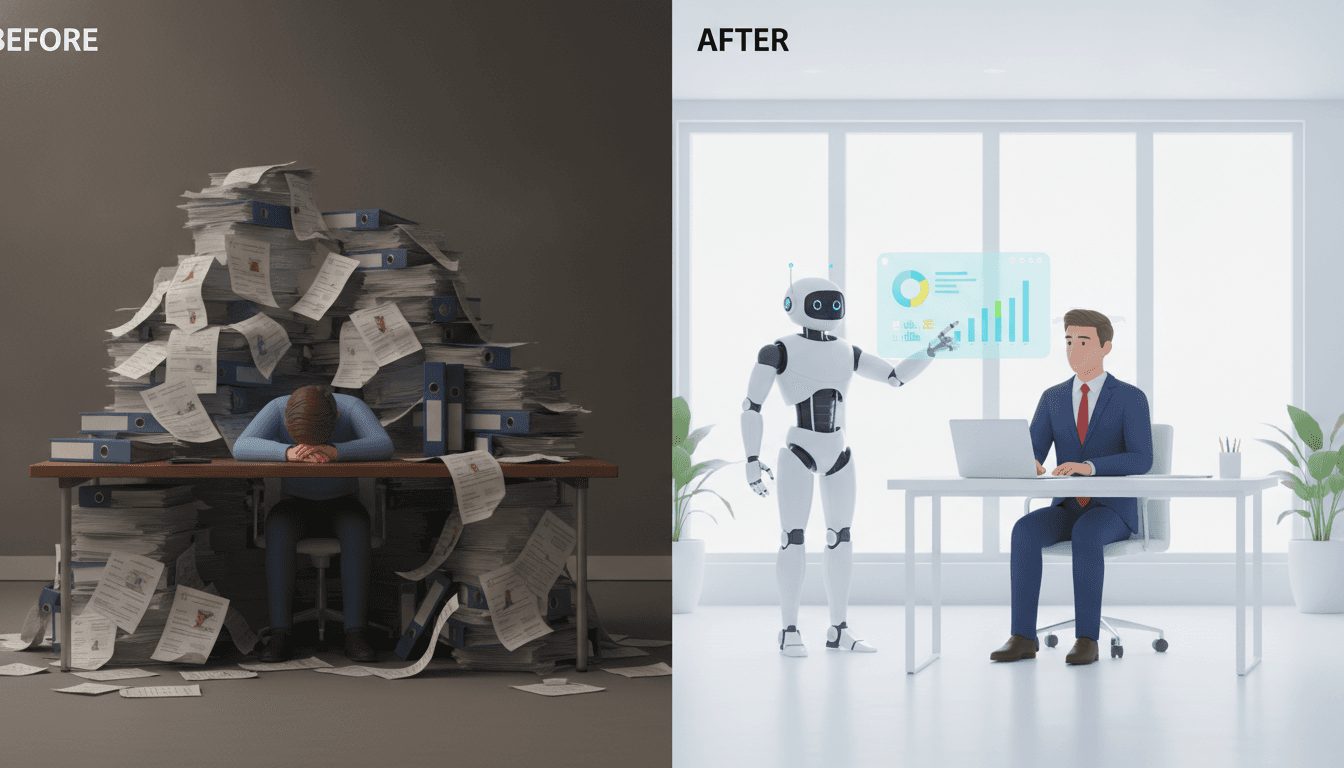
Professionals waste over 30 hours a month in meetings. That's a fact. Worse, research shows we forget half of what was said within a single day. The market for the best AI meeting assistants has absolutely exploded to fix this, promising to reclaim all that lost time and knowledge. These aren't just tape recorders. They're smart AI note-takers that jump on your calls, transcribe everything, pull out action items, and spit out a perfect summary. But with a field this crowded, the real differences aren't just about transcription accuracy anymore—that's basically a solved problem. The fight is now about how these tools handle your data and how they fit into the software you already use.
Our 2026 analysis shows a clear trend. The top-tier AI transcription apps from giants like Fireflies.ai and Otter.ai easily hit 90-96% accuracy on clear audio. The new battleground is integrations, privacy, and what happens after the call ends. It's about turning a simple conversation into a documented, actionable asset. For anyone—professionals, students, small teams—choosing the right tool is a balancing act. Power, privacy, price. You have to find your sweet spot.
AI Meeting Transcription Tools Compared: The Top Contenders
This isn't a one-size-fits-all market anymore. Different tools are built for different people, from a solo freelancer to a massive enterprise worried about compliance. Here’s the breakdown.
Fireflies.ai: The Integration Powerhouse
Best for: Sales teams and organizations already living inside their CRMs and workflow tools.
Fireflies.ai stands out for one big reason: its vast web of integrations. It does more than just give you a transcript. It actively pushes conversation data, summaries, and action items right into platforms like Salesforce, HubSpot, Asana, and Slack. That focus on automation makes it the best AI for meeting notes when the conversation needs to kick off a new task somewhere else. Its free tier offers plenty of storage, but the paid plans unlock the workflow automations that turn it into a genuine command center for meeting intelligence. It also supports over 60 languages. A huge plus for global teams.
Otter.ai: The Collaborative Pioneer
Best for: Team collaboration, students, and anyone who wants a clean, real-time transcription experience.
Otter.ai basically invented this category, and it's still a major force. Why? Its core strength is a dead-simple interface and fantastic real-time collaboration. Team members can literally watch the transcript unfold during a meeting, throwing in highlights, comments, and action items as things happen. Its bot, OtterPilot, jumps into Zoom, Google Meet, and Microsoft Teams meetings automatically. While it doesn't have the sprawling integration list of Fireflies, its pure simplicity and slick mobile apps make it a go-to for individuals and the academic world. For more on AI in education, see our guide on The Best AI Tools for Students: A Guide for 2026.
Fathom: The Best Free AI Meeting Assistant
Best for: Individuals and small teams who want a powerful tool without the price tag.
Free tools are rarely this good. But Fathom has built a loyal following by offering unlimited recordings and high-quality AI summaries without asking for a credit card. It records, transcribes, and summarizes. Done. It also lets you create and share highlight clips with a single click. Fathom works on Zoom without a bot by using the platform's own recording API—a much smoother experience for everyone on the call. The most advanced CRM integrations are locked behind a paywall, but the free version is so capable that it’s often the first AI note-taker people try.
Granola & Jamie: The Privacy-First Champions
Best for: Users who put privacy first and want to record meetings without being obvious.
Here's the catch with most AI assistants: the perception of a creepy “bot” listening in on your sensitive client call. That's a problem. Tools like Granola and Jamie fix this by operating invisibly. No bot. Instead, they capture your computer's audio locally on your Mac or PC, so no one else on the call even knows the tool is running. This “bot-less” method is a huge deal for sales, consulting, or therapy—any field where client comfort is everything. Notes are generated after the meeting, giving you a structured summary without ever inviting a robot into the room.
Accuracy, Privacy, and Integration: The Three Pillars of a Great AI Assistant
Let's cut through the marketing hype. Choosing the right tool means looking at the technical and ethical guts of the thing. A slick summary is worthless if the transcript is garbage or your confidential data gets exposed.
How Accurate Are AI Transcription Tools?
For clear English audio with low background noise, the top platforms now nail 90-96% accuracy. It's good enough. Some independent tests give Fireflies a slight edge over Otter, but the difference is so small it shouldn't be your main reason for choosing one. Of course, accuracy will dip if you have heavy accents, people talking over each other, or just a lousy microphone. The takeaway for 2026 is that the tech is solid for most professional work. You should worry less about word-for-word perfection and more about how the transcript gets used.
The Elephant in the Room: Privacy and Data Handling
This is the big one. When you use an AI note-taker, you're recording conversations that could be full of sensitive stuff, from corporate secrets to private employee details. A recent Fast Company article rightly points out that the uncertainty around data storage and AI training is a major business risk.
So what should you look for?
- Consent and Transparency: You have to tell people they're being recorded. Period. It's not just good manners; in two-party consent states like California and Florida, it's the law. Good tools like Read AI even have features built in to notify every single attendee.
- Data Policies: Hunt for vendors who are upfront about what they do with your data. Do they use your calls to train their AI models? Many now give you a way to opt out. Make sure they're compliant with standards like GDPR and use strong encryption (like AES) for your data.
- Bot vs. Bot-less: The popularity of tools like Granola shows a real demand for discretion. A bot-less recorder that works locally avoids the whole awkwardness of an AI joining your call, which is almost always better for meetings with clients.
The privacy question is tied to bigger issues of data governance—a hot topic that also affects the powerful new models being developed. For more on that, see how the government is looking at AI in OpenAI's GPT-5.6 Sol Arrives in ChatGPT After White House Review.
Beyond Transcription: Calendar and Workflow Integration
This is where these tools really earn their keep. The best AI for meeting notes truly shines when it disappears into the tools you use every day. At a bare minimum, it should connect to your Google or Outlook Calendar to automatically find and join your meetings. No more inviting bots or pasting links. But the most powerful platforms go much, much further. They build a bridge from your conversations to your work. Think about it: action items from a client call pop up as tasks in Asana. Key objections from a sales pitch get logged in Salesforce. All without you lifting a finger. That's the promised efficiency, and for many, it's already here. This automation is changing not just note-taking but the very way teams manage knowledge, a theme we also explored in our look at The Best AI Writing Tools for Content Creators.
Drafted with AI assistance. How we work.
Frequently asked questions
- What is the best AI meeting assistant overall?
- The best AI meeting assistant depends on your needs. Fireflies.ai is excellent for teams needing deep CRM and workflow integrations. Otter.ai is great for real-time collaboration and individual use. For a powerful free option, Fathom is the top choice with unlimited recordings. If privacy is your main concern, a 'bot-less' tool like Granola or Jamie is recommended.
- How accurate is AI meeting transcription?
- In 2026, leading AI transcription tools like Fireflies.ai and Otter.ai typically achieve 90-96% accuracy for clear English audio. Accuracy can decrease with heavy background noise, strong accents, or multiple people speaking at once. The technology is now considered highly reliable for most professional and academic purposes.
- Are AI note-taking tools secure and private?
- Security is a major concern. Reputable AI note-takers use strong encryption and comply with standards like GDPR. However, you should always review a tool's privacy policy to see if your data is used for AI training. For maximum privacy, consider 'bot-less' tools like Granola that record audio locally. Always get consent from all participants before recording any meeting.
- Do AI meeting assistants integrate with calendars?
- Yes, a key feature of the best AI meeting assistants is their ability to integrate with Google Calendar and Microsoft Outlook. This allows them to automatically identify and join your scheduled virtual meetings on platforms like Zoom, Google Meet, and Microsoft Teams, eliminating the need for manual setup for each call.
- Can AI assistants identify action items from meetings?
- Absolutely. A core function of modern AI meeting assistants is to analyze the transcript to identify and extract key action items, decisions, and deadlines. These are typically presented in the post-meeting summary, and tools like Fireflies.ai can even automate the process of sending these tasks to project management software like Asana or Trello.
Sources & further reading
Sources
- simular.ai — simular.ai
- novascribe.ai — novascribe.ai
- peoplemanagingpeople.com — peoplemanagingpeople.com
- speakwiseapp.com — speakwiseapp.com
- cirrusinsight.com — cirrusinsight.com
- coursiv.io — coursiv.io