How the Internet Actually Works: From Your Click to Your Screen
It feels like magic. But the journey from typing a URL to a webpage loading is a breathtaking feat of global engineering. Here's what's really going on.

So, What Happens When You Type a URL?
You type a web address into your browser, hit Enter, and a webpage just appears. Like magic. A headline, pictures, a video that autoplays—it's so routine we ignore its staggering complexity. But you just kicked off a global relay race. In a fraction of a second, you started a conversation between machines, conducted in pulses of light flashing through glass cables crisscrossing the planet. This is the real story of how the internet works, a foundational miracle hiding in plain sight.
The journey starts with a question. A simple one, really. Where on earth is 'google.com'? We humans understand names. The internet, a network of computers, only speaks in numbers. Specifically, IP addresses—unique numerical labels like `192.168.1.1` (for IPv4) or the much longer `2001:0db8:85a3::8a2e:0370:7334` (for IPv6). Every single device online has one. That's its real address, the one true destination for your request.
The Internet's Phonebook: DNS Explained
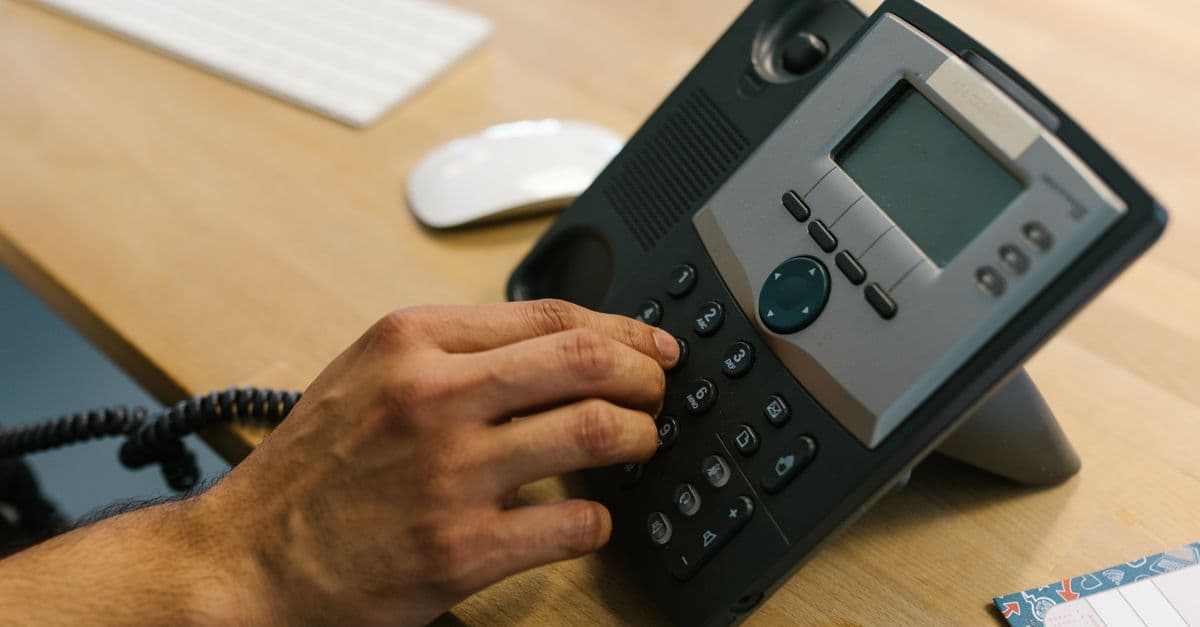
To turn a friendly domain name into a machine-readable IP address, your browser uses the Domain Name System. The DNS. It’s often called “the phonebook of the Internet,” and that’s pretty accurate. It’s a massive, planet-wide database that maps domain names to their IP addresses. The whole lookup happens in milliseconds.
The process is a rapid-fire chain of queries. First, your browser checks its own cache—has it been here recently? No? It asks your computer's operating system, which keeps its own temporary log. Still nothing. The request escalates to a DNS resolver, usually run by your Internet Service Provider (ISP). That resolver then does the heavy lifting, querying a series of servers up the chain. It asks root servers where to find the `.com` servers, then asks the `.com` servers where to find the domain's authoritative nameserver, which finally provides the answer. The IP address is found. And it gets sent all the way back to your browser. Now it has a destination.
Packing the Message: TCP/IP and Data Packets
With the IP address locked in, your browser needs to formally ask for the webpage. This isn't like sending a letter. It's more like disassembling a car, mailing it piece by piece, and including reassembly instructions. This is the job of the internet's two most important protocols: TCP (Transmission Control Protocol) and IP (Internet Protocol).
Your request gets broken down. Smashed into small, manageable chunks called packets. That's TCP's job. It chops up the data, numbers each packet, and adds a header explaining how to put it all back together again—a meticulous shipping manager. Then the IP protocol takes over, stamping each packet with your computer's IP address (the source) and the website's IP address (the destination). This whole rulebook, the TCP/IP suite, is how basically everything moves across the internet.
But before any of that, a quick handshake. A digital 'hello.' The browser and server use a TCP three-way handshake to make sure they're both ready. Your computer sends a packet saying, “Hey, want to talk?” (a SYN packet). The server responds, “Sure! I'm ready” (a SYN-ACK packet). And your computer sends one last confirmation: “Great, I acknowledge that” (an ACK packet). This negotiation ensures a reliable connection is open.
The Physical Journey: Undersea Cables and the Global Relay
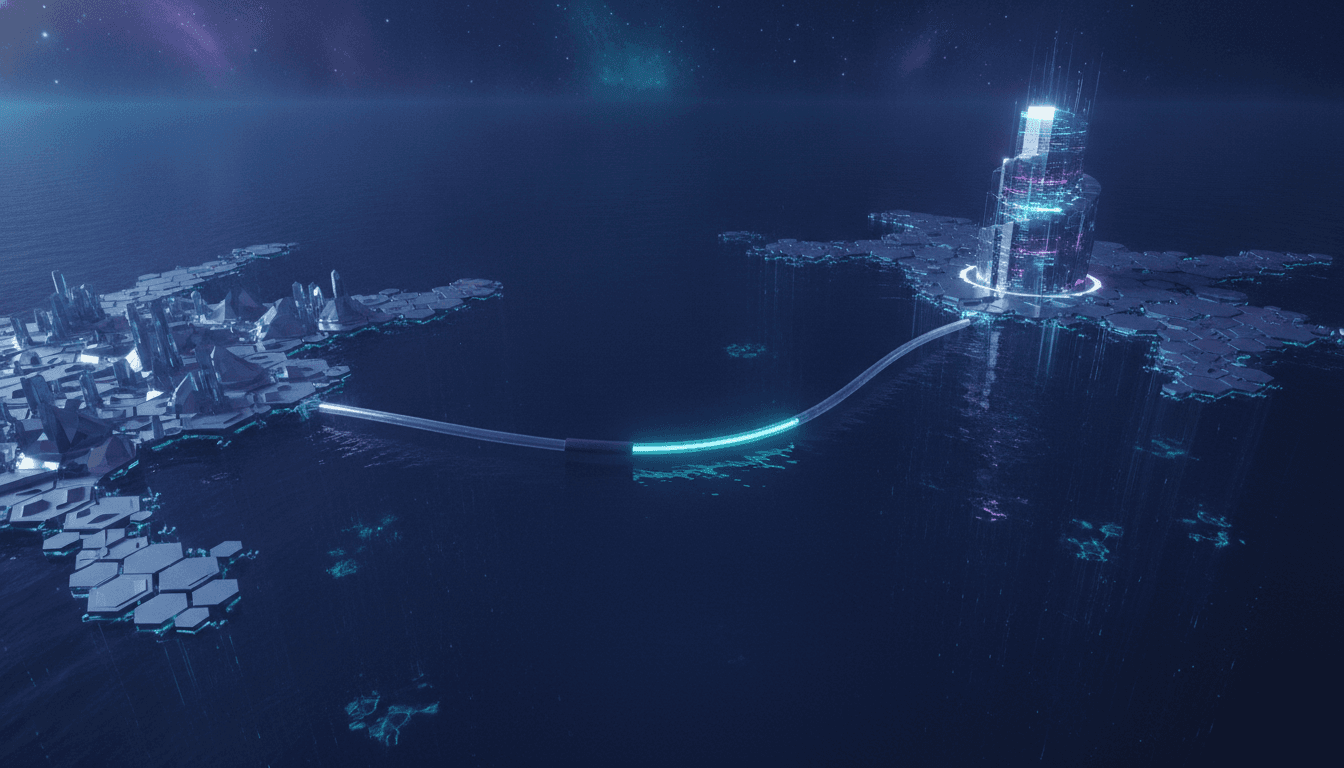
This is where the true scale of the internet infrastructure explained becomes clear. The internet isn’t a cloud. It's not ethereal. It’s a profoundly physical thing made of metal and glass.
Those data packets, now packaged and addressed, begin an epic journey at nearly the speed of light. Your request leaves your computer, zips through your router to your ISP, and then plays a global game of hot potato between millions of routers. Each one reads the IP header and forwards your packets along the most efficient route. For any international request, that path almost certainly plunges into the ocean. Over 99% of all international data travels through a massive network of submarine communications cables. As of early 2025, there are around 597 of these cables active or being built, totaling over 1.4 million kilometers. That’s enough to circle the Earth more than 35 times. These fiber-optic cables, some no thicker than a garden hose, are the internet's real backbone.
The Server's Side of the Story
When your packets finally arrive at the destination IP, they're greeted by a web server. What's that? A powerful computer whose whole job is to store website files and hand them out when someone asks. The server's HTTP software, like Apache or Nginx, accepts the request.
The server then finds the files. For a simple page, it might just be an HTML file. The server reads it and starts the whole process in reverse. It breaks down the webpage's content—HTML, CSS, images, videos—into a brand-new set of TCP packets. It addresses them to *your* IP address. And it sends them flying back across the internet. For more complex sites, the server might need to talk to other databases or application servers to build the page just for you, which is where things like APIs come into play.
From Code to Screen: How Your Browser Renders the Page
The packets are back home. Now what? This is the last leg of the journey, and the details of how web pages load explained are all about your browser. The TCP protocol makes sure every single packet arrived safely, reassembling them in the correct order.
Then the browser starts painting the picture.
- DOM Tree Construction: It reads the HTML to build a blueprint of the page's structure, the Document Object Model (DOM).
- CSSOM Tree Construction: At the same time, it parses the CSS to create a map of all the styles, the CSS Object Model (CSSOM).
- Render Tree: It combines the DOM and CSSOM to create a final Render Tree, which maps out only what's actually going to be displayed.
- Layout (or Reflow): With the plan in hand, the browser calculates the exact size and position of every single element on the page.
- Paint: Finally, the pixels hit your screen. The code becomes a visual webpage you can actually use.
But the work might not be done. While rendering, the browser might find it needs another resource—an image file, a custom font, a script. Guess what happens? It kicks off this entire process all over again for each new item. A new DNS lookup. A new TCP handshake. A new HTTP request. It’s a dizzying flurry of activity that modern browsers, like the ones in the new browser wars, manage with incredible speed.
From one click to a full, interactive screen. The entire sequence unfolds faster than a blink. It’s a system of breathtaking elegance that silently connects our world. So the next time you open a tab, maybe give a nod to the journey.
Related Articles


This article was produced with AI assistance under human direction, and reviewed and fact-checked by a named editor before publication. How we work.
Frequently asked questions
- What is the very first step when you type a URL?
- The very first step is a DNS (Domain Name System) lookup. Your browser needs to translate the human-readable domain name, like 'google.com', into a machine-readable IP address, which is a unique numerical address for the server hosting the site. Think of it as looking up a name in the internet's global phonebook to find the correct number to call.
- How does data travel across the internet?
- Data travels as small pieces called packets. Using the TCP/IP protocol, your request is broken down, and each packet is addressed with the destination IP. These packets travel independently through a network of routers and switches, often through undersea fiber-optic cables connecting continents. At the destination, TCP reassembles the packets in the correct order.
- What is the difference between a web server and a browser?
- A web server is a powerful computer that stores the files (HTML, CSS, images) for a website and sends them out when requested. A web browser is the software on your computer (like Chrome or Firefox) that requests those files from the server, and then interprets and assembles them to display the visual webpage on your screen.
- Why is the internet's physical infrastructure so important?
- Despite the term 'cloud', the internet is a massive physical network. Over 99% of international data is transmitted through millions of kilometers of undersea fiber-optic cables. This physical infrastructure is the backbone that allows data packets to travel quickly and reliably between continents, making global, near-instant communication possible.
Sources & further reading
Sources
- kentik.com — kentik.com
- wikipedia.org — en.wikipedia.org
- norton.com — us.norton.com
- fortinet.com — fortinet.com
- coursera.org — coursera.org