What Is an NPU? The AI Chip in Your Next Laptop, Explained
You've seen the acronym on every new PC box. Here's what a Neural Processing Unit actually does, how it's different from a CPU or GPU, and whether you really need one.

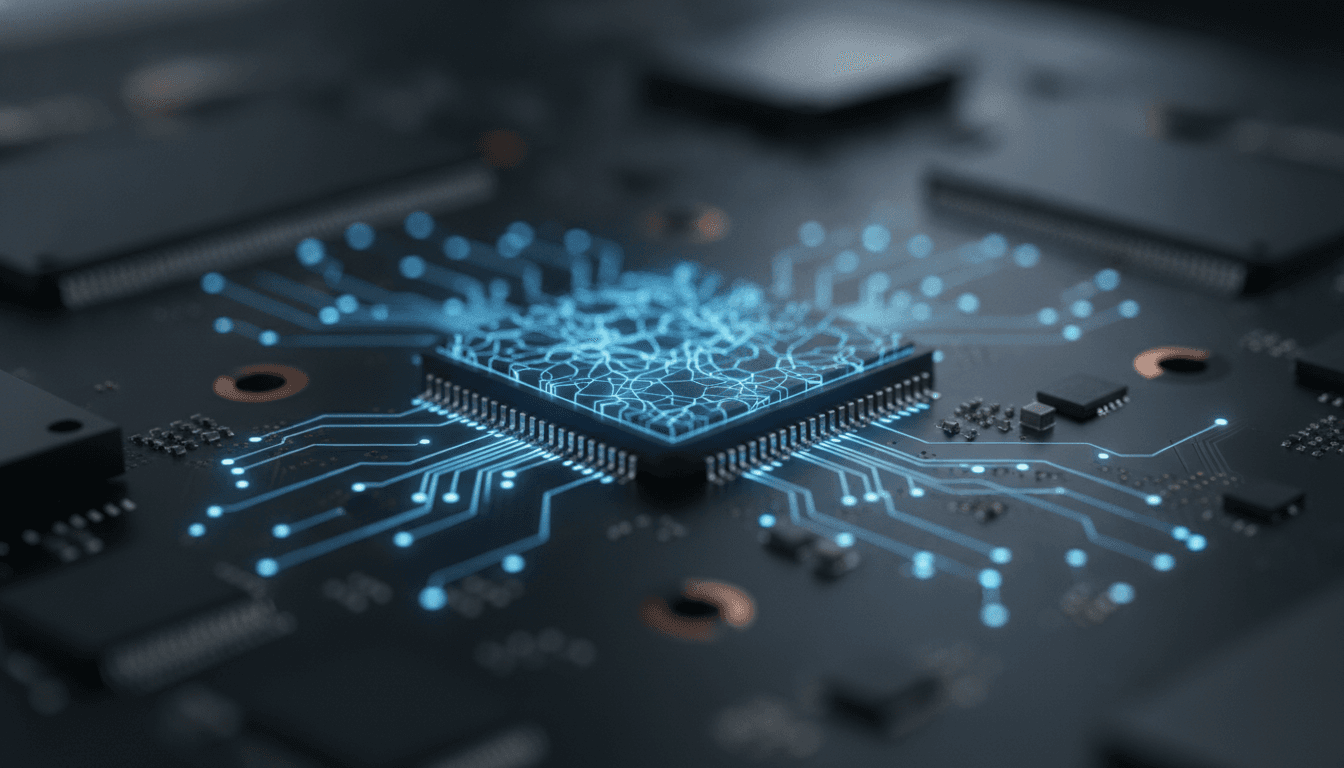
So, What Is an NPU, Really?
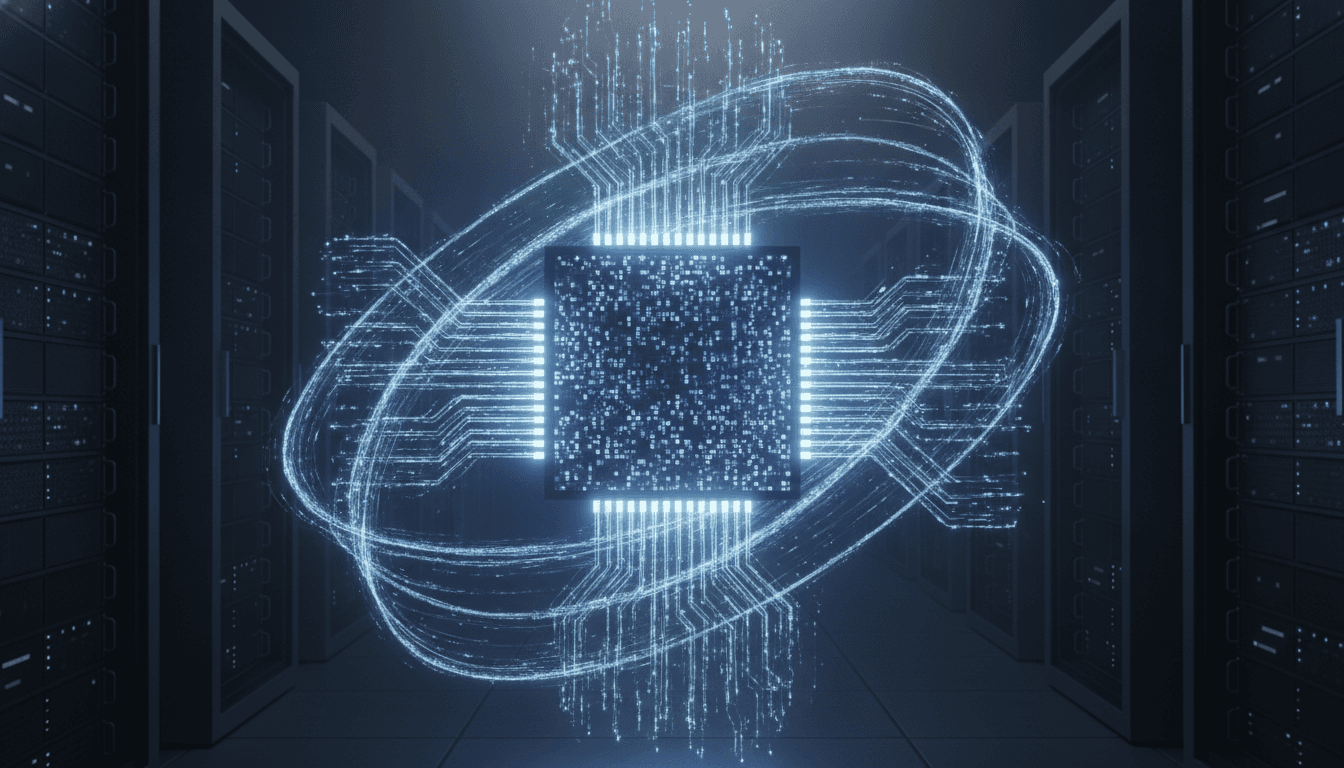
If you’ve shopped for a laptop lately, you've been hit with a wall of jargon. The big one? NPU. It stands for Neural Processing Unit, and it’s why every PC maker is suddenly yelling about on-device AI. An NPU is a specialized processor, a dedicated AI chip built for exactly one job: running artificial intelligence and machine learning tasks with brutal efficiency. Think of it as a specialist joining a team of generalists. Your computer already has a CPU (Central Processing Unit) to handle the general, sequential work of an operating system. It also has a GPU (Graphics Processing Unit) to manage the massive parallel processing needed to render graphics. The NPU is a third engine. It's hyper-specialized for the unique math at the core of AI models, allowing it to perform these tasks much faster and—this is the key—while sipping a fraction of the power a CPU or GPU would demand.
NPU vs. CPU vs. GPU: A Simple Analogy
Let's make this simple. Imagine you have to assemble a thousand identical chairs.
The CPU is a master carpenter. They can measure, cut, drill, and assemble anything, but they work on just one chair at a time, step by meticulous step. They’re incredibly versatile but not built for repetitive speed.
The GPU is a team of a hundred workers. They can all perform the *same* simple task at the exact same time—like tightening the final bolt on every single chair simultaneously. This is why they crush graphics, which is just calculating millions of pixels at once.
And the NPU? That's a custom-built assembly line. It’s designed *only* to build that one specific chair. It can’t do anything else. But it churns out finished furniture with breathtaking speed and almost no wasted energy. That’s what makes an NPU perfect for the repetitive matrix math that defines neural networks. By offloading these AI workloads, the NPU frees up the CPU and GPU to do what they do best. The whole system just feels faster.
Why Is the AI Chip in Laptops a Big Deal Now?
Here's the catch: NPUs aren't new. They've been in smartphones for years. In fact, Apple pushed the concept into the mainstream with its 'Neural Engine' back in 2017 to power things like Face ID. So why the sudden fuss over laptops? It all comes down to a major shift from cloud-based AI to on-device AI. Before, running a complex AI task meant sending your data to a massive server farm, which did the work and sent it back. This works, sure, but it's slow. It creates privacy concerns. And it’s useless without an internet connection.
Today’s laptops can finally run those sophisticated AI models locally. Chipmakers like Intel (Core Ultra), AMD (Ryzen AI), and Qualcomm (Snapdragon X Elite) have all baked powerful NPUs right onto their newest processors. This unlocks a whole new class of apps that are faster, more private, and work offline.
A huge driver for this is Microsoft's Copilot+ PC initiative. To get that sticker, a laptop *must* have an NPU hitting at least 40 TOPS (Trillions of Operations Per Second). Microsoft drew a line in the sand. That performance target is the price of admission for handling a new wave of Windows features—like the controversial Recall function or real-time translations—entirely on your machine.
Do I Need an NPU Laptop? The Practical Benefits
Marketing hype is one thing. Actual utility is another. An NPU delivers real advantages you can feel today. Of course, if your computer is just plain slow, you can try some tricks from this guide on how to speed up a slow laptop. But an NPU brings something new to the table.
1. Dramatically Better Battery Life
This is the killer feature. Running something like a background blur on a video call absolutely hammers a normal CPU. You hear the fans spin up; you watch the battery die. An NPU does the same job using vastly less power. How much less? Some estimates point to an NPU extending battery life by 15-20% during AI-heavy use, which can mean an extra 1.5 to 3 hours of unplugged time. It handles AI tasks at maybe 5-10 watts, while a GPU might demand 30-40 watts for the same result.
2. A Snappier, More Responsive System
When you offload all those background AI processes, your CPU and GPU have more headroom for what you're actually doing. The entire system feels snappier, especially when you're multitasking. Your main application won't stutter just because you have real-time transcription, intelligent file search, or instant photo edits happening behind the scenes. It just works.
3. Enhanced Privacy and Security
With on-device AI, your data stays on your device. Period. Features that need to analyze your documents or transcribe a meeting don't have to phone home to a cloud server. This is a massive advantage for anyone working with confidential information or who simply values their privacy. It also means your AI tools work on a plane.
The Bottom Line: Is an NPU Worth It?
For decades, buying a laptop meant comparing CPU cores, clock speeds, and RAM. That's changing. Now, you need to look for TOPS. While a high TOPS number isn't everything—software and memory bandwidth matter, too—it's become the key metric for AI muscle. Laptops without a capable NPU (think below that 40 TOPS mark) will still run AI software. But they'll do it the old, inefficient way by leaning on the CPU or GPU, which means slower performance and worse battery life.
If you're buying a new laptop soon, getting one with a powerful NPU is a smart bet. It's future-proofing. Major software developers are weaving AI features into everything, and a machine without a dedicated chip will feel old, fast. You might not use every AI feature on day one, but you'll get the efficiency and responsiveness benefits immediately. And if you're shopping around, our guide to the best budget laptops can help find a machine that balances price and power.
The NPU isn't just another acronym. It’s a fundamental shift in how computers work, moving intelligence from the cloud right onto the device in your hands. And that changes everything.
Related Articles


This article was produced with AI assistance under human direction, and reviewed and fact-checked by a named editor before publication. How we work.
Frequently asked questions
- What does an NPU actually do in a laptop?
- An NPU, or Neural Processing Unit, is a specialized processor designed specifically to accelerate AI and machine learning tasks. It handles jobs like real-time video effects, voice recognition, and image processing far more efficiently than a standard CPU or GPU. By offloading these tasks, it improves overall system performance and significantly extends battery life.
- Is an NPU the same as a GPU?
- No, they are different. A GPU (Graphics Processing Unit) is optimized for parallel processing, making it great for rendering graphics and training large AI models. An NPU is purpose-built for running already-trained AI models (a process called inference) with maximum power efficiency. For everyday AI tasks on a laptop, an NPU is much more energy-efficient than a GPU.
- Do I really need a laptop with an NPU in 2026?
- While not strictly essential for basic computing, an NPU is becoming standard for a modern experience. If you use video conferencing, creative software with AI features, or want the best possible battery life and system responsiveness, a laptop with a capable NPU is highly recommended. It also future-proofs your device for the next wave of AI-powered software.
- What does TOPS mean for an NPU?
- TOPS stands for Trillions of Operations Per Second and is the primary metric used to measure an NPU's raw performance. It quantifies how many AI-related calculations the chip can perform in a second. For context, Microsoft requires an NPU with at least 40 TOPS for a laptop to be certified as a 'Copilot+ PC,' capable of running advanced on-device AI features in Windows.
- What are the main advantages of having an NPU?
- The three main consumer benefits of an NPU are longer battery life, a faster and more responsive system, and enhanced privacy. Since the NPU handles AI tasks with very little power, your battery lasts longer. It also frees up the CPU and GPU for other work, making your computer feel snappier. Finally, by processing data locally instead of sending it to the cloud, it keeps your sensitive information more secure.
Sources & further reading
Sources
- lenovo.com — lenovo.com
- ibm.com — ibm.com
- abmfw.com — abmfw.com
- microsoft.com — support.microsoft.com
- nimopc.com — nimopc.com