20 Small Tech Habits That Quietly Improve Your Life
It doesn't take much. Seriously. Just a few smart routines for security, focus, and getting your stuff in order. But they add up, delivering a digital life that's smoother, saner, and finally back under your control.

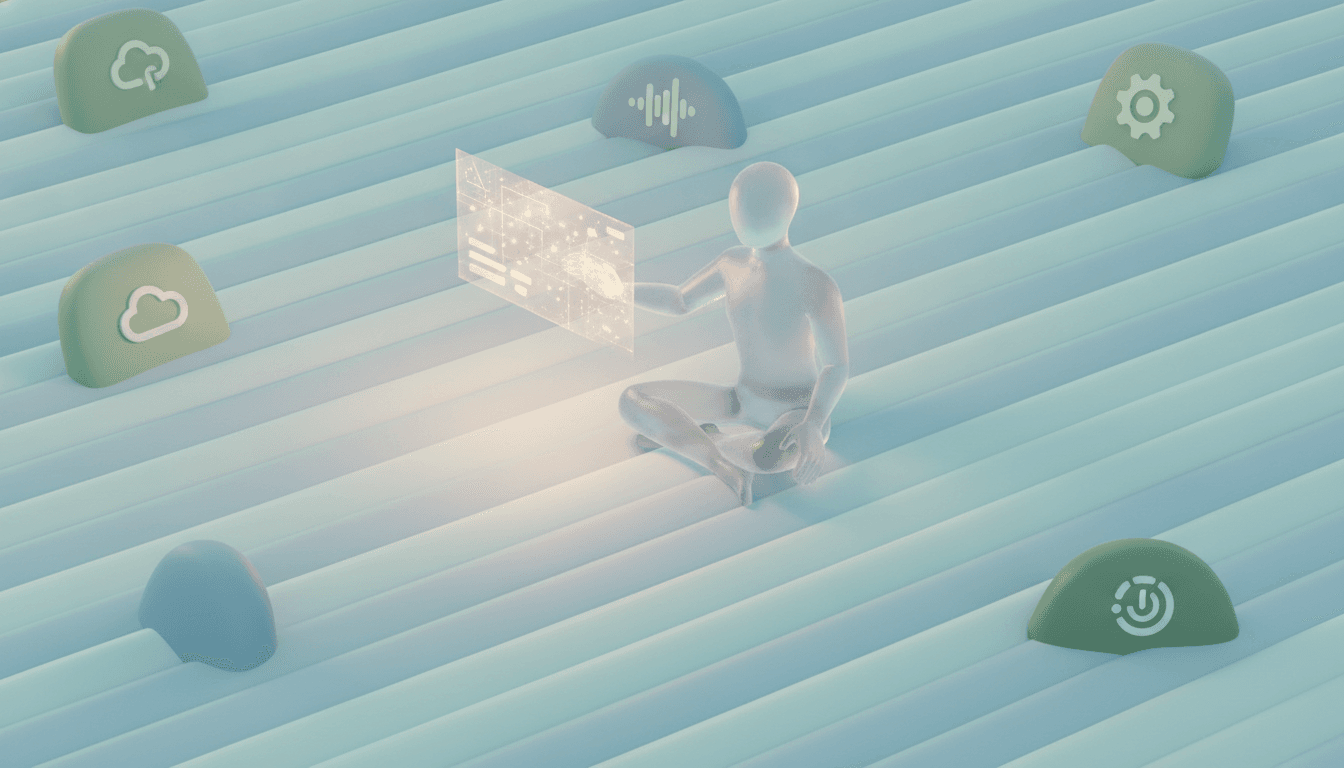
Secure Your Digital Fortress: 5 Foundational Security Habits
Your digital life is your life. Period. Protecting it doesn't require some cybersecurity degree, just a few solid habits that build a real defense against the usual garbage. And it all starts at the front door: your passwords.
1. Use a Password Manager
Face it. Your brain can't remember dozens of unique, complex passwords. It just wasn't built for that. But a password manager is. These tools, like Bitwarden or 1Password, generate and store monstrously complex passwords for every single site and autofill them so you never have to think about it again. This one change dismantles the single biggest risk you face online—password reuse.
And that risk is huge. A staggering 81% of hacking-related breaches trace back to weak or stolen passwords. The really scary part? Some studies say 60% to 85% of us reuse passwords everywhere. That means a breach on some forgotten forum could hand attackers the keys to your entire digital kingdom.
2. Enable Two-Factor Authentication (2FA) Everywhere
Think of 2FA (or MFA, Multi-Factor Authentication) as a deadbolt on your digital door. A thief might snatch your password—your key—but they still can't get inside without a second piece of info, usually a code from your phone. That simple security layer is ridiculously powerful. It stops the vast majority of automated login attacks cold. So enable it. Everywhere. Your email, your bank, your social media—every critical account needs it. Thirty seconds to set up could save you years of grief.
3. Keep Your Software and Apps Updated
Those constant update notifications? Not just for new emoji. They’re critical. Developers are in a nonstop race to patch security holes that hackers find and exploit, and those patches are delivered as updates. Postpone them, and you’re leaving the door wide open. So don't. Just enable automatic updates on your phone, computer, and browsers. For everything else, make it a quick weekly ritual: check and install what's pending. It’s one of the simplest, most effective defenses you have.
4. Pause Before You Click
Phishing attacks are getting scary good. These emails, texts, and messages are precision-engineered to trick you into coughing up sensitive info. Your best defense is simple: skepticism. Just pause. Before clicking any link or opening an attachment—especially one screaming with urgency—take a breath. Hover over the link. See the real URL. Is the sender's address bizarre? Full of typos? When in doubt, open a new browser tab and go directly to the company’s website yourself. It's a vital skill for spotting the new wave of AI-generated scams, which we cover in our guide on what is a deepfake.
5. Lock Your Screen. Always.
This one is as simple as it gets, but its importance is off the charts. Lock your screen. Always. Stepping away from your desk for a minute? Lock it. Leaving your laptop at a coffee shop table to grab your latte? Lock it. It's `Control-Command-Q` on a Mac and `Windows Key + L` on Windows. It takes less than a second and stops any prying eyes or malicious hands cold. You wouldn't leave your house without locking the front door, would you?
Tame the Information Overload: 5 Habits for Better Focus
Let's be clear: our devices are engineered to steal our attention. They're designed for it. All those pings, dings, and pop-ups? They create what researchers have dubbed 'notification anxiety,' a state that shatters focus and drains mental energy. But you can fight back. A few smart habits can help you reclaim your mind.
6. Master Your Notifications
Your phone should not be your boss. Right now, though, it probably is. By default, every app screams for your attention. You don't have to listen. March into your phone's settings and ruthlessly silence notifications for any app that isn't truly critical and time-sensitive. For the few that survive the cull, customize them—use features like 'Deliver Quietly' to send alerts straight to your notification center, bypassing the buzzes and screen flashes entirely. This one move transforms your phone from a nonstop interruption machine into a tool you use on your terms.
7. Curate Your Home Screen
Your phone's home screen is the most valuable digital real estate you own. So why waste it on apps built to distract you? Kick them out. Move all those endless-scroll social media and entertainment apps off the first screen, burying them in a folder on the second page. Your home screen is for tools, not toys. Calendar, notes, maps, camera. That tiny bit of friction, that extra swipe and hunt for a distracting app, is surprisingly effective at making you think twice.
8. Practice the 'Inbox Zero' Philosophy
A cluttered inbox is a cluttered mind. Period. The point of 'Inbox Zero' isn't really to have zero emails; it's to spend zero mental energy worrying about what's lurking in there. The trick? Process email in batches. Set aside specific times for it. When you open your inbox, make an immediate decision on every single message: reply now, archive it, delete it, or snooze it. Done. Your inbox is no longer a to-do list that anyone in the world can add to.
9. Unsubscribe Aggressively
Every promotional email you delete is a tiny, annoying tax on your attention. So stop paying it. Take five seconds. Scroll to the bottom and smash that 'Unsubscribe' link. It feels great. Services like Unroll.Me can even show you a full list of your subscriptions and let you bail out in bulk. Make it a weekly habit to kill just a few. You'll be shocked at how quiet your inbox becomes.
10. Schedule Tech-Free Time
Perhaps the most powerful tech habit has nothing to do with tech at all. It's consciously stepping away. You have to designate screen-free zones or times. During meals? The first hour of your day? The last? This does more than just help your sleep (and yes, that blue light from screens really does suppress melatonin). It lets you be fully present, which does wonders for your real-life relationships. We dive deeper into the evidence in our piece on taking a digital detox.
Keep Your Devices Humming: 5 Simple Maintenance Habits
Digital clutter isn't just in your head; it's a real drag on your devices. It slows them down. It creates security risks. And this isn't just a feeling—a study by CCleaner found 71% of people feel more organized and 69% more productive after tidying up their digital lives. Think of these next habits as a spa day for your tech.
11. Perform a Weekly File Triage
Let's get one thing straight: your Downloads folder is not an archive. It’s a temporary loading dock. Nothing more. Once a week, set a 15-minute timer and just blitz your desktop and downloads folders. Deal with every single file right then and there. File it. Install it (and then delete the installer!). Or trash it. Then? Empty the trash. No more slow, creeping buildup of digital junk.
12. Uninstall Apps You Don't Use
Seriously, look at your phone and computer. How many of those apps have you opened in the last six months? They aren't harmless decorations. They're taking up valuable storage, maybe running background processes that drain your battery, and—if they’re abandoned by their developers—can become genuine security risks. Once a quarter, do a quick audit. Be ruthless. Delete anything you don't actually use.
13. End Your Day with Zero Tabs
Browser tabs are the cockroaches of digital clutter. Each one eats a little memory, a little CPU power. Together, they can bring your computer to its knees. So get in the habit of closing all your browser windows at the end of the day. Yes, all of them. If you need to save something, use a bookmark or a 'read later' service—that's what they're for. You get a clean slate every morning and your machine runs lean.
14. Physically Clean Your Gear
Your gear is gross. Seriously. It collects dust, fingerprints, lunch crumbs, you name it. So once a month, give it a proper cleaning. Power everything down first. Use a microfiber cloth for the screens. A can of compressed air is your best friend for blasting the gunk out of your keyboard. For charging ports choked with pocket lint? Use short bursts of that same compressed air or a very soft brush. But please, never stick a paperclip in there. And if your laptop's problems are more than skin deep, here's how to speed up a slow laptop without buying a new one.
15. Reboot Your Devices Weekly
You know the old IT joke: 'Have you tried turning it off and on again?' It's a cliché for a reason. It works. A simple reboot of your computer, phone, or even your Wi-Fi router clears out all the digital crud that accumulates over time. Temp files. Minor software glitches. RAM hogs. It’s a system refresh that fixes a shocking number of problems. Just schedule a weekly reboot for your main devices. Keep them happy.
Protect Your Digital Legacy: 5 Essential Backup Habits
Here's a hard truth: data loss isn't an if. It's a when. Hard drives die. Phones get stolen. Ransomware happens. Your only real safety net is a solid backup strategy. And let's be crystal clear: if a file exists in only one place, it is not backed up.
16. Follow the 3-2-1 Backup Rule
The gold standard for protecting your stuff is the 3-2-1 rule. It's simple. Have at least **three** total copies of your important data. Store them on **two** different types of media—think your computer's internal drive plus an external hard drive. And keep at least **one** of those copies off-site, like in the cloud. That kind of redundancy means that no single point of failure, whether it's a fire, a theft, or just a dead hard drive, can wipe you out.
17. Automate Your Cloud Backups
The best backup system is the one you forget you even have. It just works. Use services like Windows Backup, Apple's iCloud, or Google Photos to automatically sync your important files, photos, and videos to the cloud. That takes care of your critical off-site copy without you lifting a finger. Your most precious memories? Always protected.
18. Use an External Drive for Local Backups
Cloud backups are essential. But restoring an entire computer over the internet can take an eternity. That's why you also need a local backup. An external hard drive is perfect for this job, making a full recovery worlds faster. Both Windows (with File History) and macOS (with its fantastic Time Machine) have great, free tools built right in to automate this whole process. You literally just plug in a drive, set it up once, and let it do its thing.
19. Periodically Test Your Backups
An untested backup is just a prayer. You have to *know* it works. So every few months, do a quick spot check. Don't wait for a disaster to find out something's broken. Just try restoring one specific, non-critical file from your cloud service or external drive. That simple test confirms everything is working as it should, giving you real peace of mind.
20. Secure Your Smart Home
Don't forget: your data isn't just on your phone and computer anymore. What about your smart speakers, cameras, and thermostats? They're all part of your digital life, and they need protection, too. The same rules apply. Change the default passwords. Enable 2FA when you can. Keep the firmware updated. These little gadgets can be a weak link—a gateway into your entire home network. Locking them down is vital. For a full rundown, check out our practical guide to securing your smart home devices.
Related Articles


This article was produced with AI assistance under human direction, and reviewed and fact-checked by a named editor before publication. How we work.
Frequently asked questions
- What is the most important tech habit for security?
- Using a password manager to create and store strong, unique passwords for every online account is the single most important security habit. A huge percentage of data breaches, around 81%, stem from weak or reused passwords. A password manager effectively solves this problem, dramatically increasing your overall digital security with minimal effort.
- How can I reduce distractions from my smartphone?
- To reduce distractions, start by turning off all non-essential notifications in your phone's settings. Curate your home screen by moving distracting social media apps into a folder on a secondary page. Also, practice setting aside specific, tech-free times, such as during meals or an hour before bed, to give your brain a break from constant digital input.
- What is digital decluttering and why does it matter?
- Digital decluttering is the process of organizing your digital files, apps, and accounts to reduce stress and improve efficiency. It matters because digital clutter can slow down your devices, make it hard to find what you need, and increase cognitive load. Simple habits like cleaning your desktop weekly, uninstalling unused apps, and organizing files can lead to increased productivity and a greater sense of control.
- What is the 3-2-1 backup rule?
- The 3-2-1 backup rule is a best-practice strategy for data protection. It recommends keeping at least three copies of your data, storing the copies on two different types of media (like your computer and an external hard drive), and keeping one of those copies in an off-site location, such as a cloud storage service. This ensures your data is safe from almost any single point of failure.
Sources & further reading
Sources
- nd.gov — bnd.nd.gov
- asu.edu — tech.asu.edu
- brightdefense.com — brightdefense.com
- medium.com — medium.com
- 3n1it.com — 3n1it.com
- ucdavis.edu — health.ucdavis.edu