Wi-Fi 6 vs Wi-Fi 7: Should You Upgrade Your Router in 2026?
The latest wireless standard is here, promising dizzying speeds and ultra-low latency. But do you actually need Wi-Fi 7, or is sticking with Wi-Fi 6 the smarter move? We break it down.

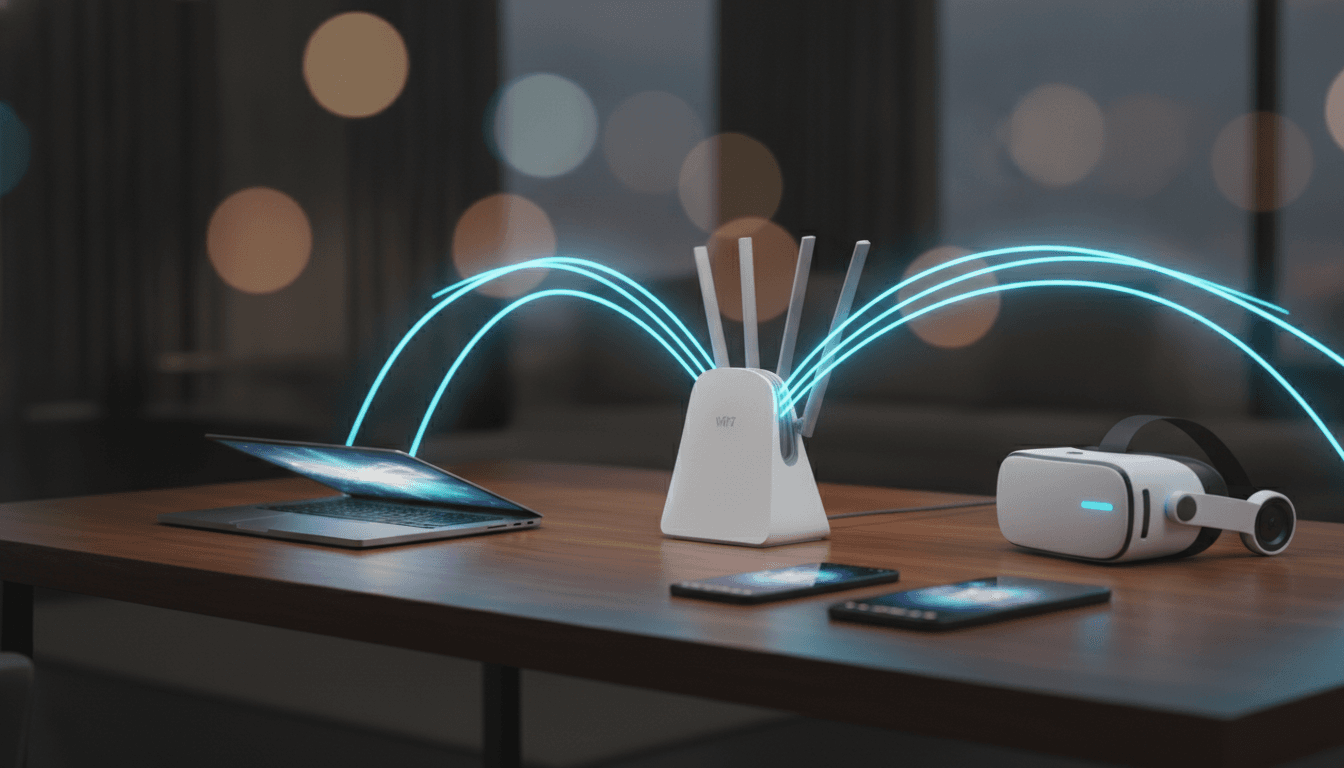
It’s that time again. A new Wi-Fi standard is here, promising to upend your digital life. The latest arrival is Wi-Fi 7, and the marketing is in full swing, talking about mythical speeds and connections that simply don't drop. But your Wi-Fi 6 router is probably humming along just fine. That brings us to the real question when comparing Wi-Fi 6 vs Wi-Fi 7: is the upgrade worth the considerable cost? For most of us, the answer is a loud “not yet.”
Let's be clear: Wi-Fi 6 was a huge deal. You almost certainly have it if you bought a router in the last few years. Its real magic wasn't just raw speed; it was about taming the chaos of the modern connected home. It introduced tech like OFDMA and improved MU-MIMO to handle a house cluttered with dozens of devices—laptops, phones, smart TVs, cameras, even robot vacuums—all fighting for a slice of the network. For the vast majority of households, even in 2026, Wi-Fi 6 juggles 4K streaming, non-stop Zoom calls, and online gaming without breaking a sweat.
So, if your current network feels fast and reliable, stick with it. It’s a sensible decision. Here’s the catch: your internet connection is almost certainly the bottleneck, not your router. Ookla's data from early 2026 showed median U.S. download speeds hovering between 242 and 306 Mbps. Any basic Wi-Fi 6 router can handle that without even trying. A faster router won't make your internet plan any faster. It just doesn't work that way.
Wi-Fi 7 Explained: What's Actually New?
Make no mistake, Wi-Fi 7 (officially IEEE 802.11be, for the technically curious) is a genuinely impressive piece of technology. It takes the solid foundation of Wi-Fi 6 and bolts on several powerful new features aimed at unheard-of speed and reliability. The on-paper numbers are staggering. A theoretical maximum of 46 Gbps, blowing away Wi-Fi 6's 9.6 Gbps. But the real genius lies in three key innovations.
The Core Upgrades: MLO, 320 MHz Channels, and 4K-QAM
The star of the show is Multi-Link Operation (MLO). Think of it like this. Your current Wi-Fi 6 setup forces your phone to pick one lane—the 2.4 GHz, 5 GHz, or 6 GHz band—and stay in it. MLO is different. It lets a Wi-Fi 7 device use multiple lanes, or bands, at the same time. It can send and receive data across different frequencies simultaneously. This not only dramatically increases throughput but—more importantly—slashes latency and boosts reliability. If one band gets congested by your neighbor’s network, your connection stays solid by leaning on the others.
Next up, Wi-Fi 7 doubles the maximum channel width. It goes from 160 MHz in Wi-Fi 6 to a massive 320 MHz. Wider channels are like wider highways. They just carry more data at once, which is a huge part of Wi-Fi 7's impressive top speeds. And finally, there's 4096-QAM (or 4K-QAM). This is an advanced modulation technique that packs about 20% more data into every single transmission compared to the 1024-QAM used in Wi-Fi 6. More data in the same space means faster, more efficient transfers.
So, Who Actually Needs to Upgrade to Wi-Fi 7?
The technology is impressive, sure. But the list of people who will genuinely benefit from it today is short and specific. So when it comes to the question “should I upgrade my router?”, it all boils down to a few key scenarios.
The Power Users with Multi-Gig Internet
Are you one of the lucky few with a multi-gigabit fiber internet plan? We're talking 2 Gbps, 5 Gbps, or even faster. If so, a Wi-Fi 7 router is the only way you'll ever see those speeds wirelessly. A Wi-Fi 6 router just tops out too early. For this group, a new system from a brand like TP-Link, NETGEAR, or ASUS is a must-have investment to get the performance you're already paying for.
Hardcore Gamers and VR/AR Enthusiasts
Latency is the enemy. For competitive online gamers, cloud gamers, and anyone with a wireless VR or AR headset, even a minuscule delay can mean the difference between winning and losing, or cause motion sickness. This is where Wi-Fi 7's Multi-Link Operation is a huge advantage. It dramatically lowers and stabilizes latency, creating a snappy, responsive connection that feels much closer to plugging in an Ethernet cable.
The Ultra-Connected Smart Home
Wi-Fi 6 was built for a busy home. Wi-Fi 7 is built for an extreme home. If your network is groaning under the weight of dozens and dozens of smart lights, cameras, sensors, speakers, and streaming boxes all chattering at once, Wi-Fi 7’s superior capacity can bring some much-needed stability. It's a way to future-proof your network's foundation. If your smart home is more modest, you might find optimizing what you have—maybe by checking out the best home office tech on a budget—is enough.
Future-Proofers and Tech Enthusiasts
Okay, there's one other argument for upgrading. You might just want to be ready for what's next. If you're buying a new router today and want it to last five-plus years, Wi-Fi 7 makes sense. Device support is growing fast. Flagship phones from Apple and Samsung, high-end laptops with the latest Intel or Qualcomm chips, and even the PlayStation 5 Pro are shipping with Wi-Fi 7. Buying the router now means your network is ready when your devices are. It's an investment, like splurging on one of the best smartphones for your money in 2026.
The Verdict: When to Stick with Wi-Fi 6
For the vast majority of people in 2026, Wi-Fi 6 is the pragmatic choice. Period. If your internet plan is under 1 Gbps and you aren't fighting constant network congestion, you simply will not see a life-changing benefit from a Wi-Fi 7 router. Your current setup is more than enough. If your connection feels slow, the problem might be elsewhere—perhaps it's time to learn how to speed up a slow laptop instead of buying a new router.
And you have to remember this critical piece of the puzzle: to get any of Wi-Fi 7's signature benefits, both your router and your device (your phone, laptop, etc.) must support the standard. Yes, your old gear will connect to a new Wi-Fi 7 router just fine, since it's fully backward compatible. But those devices will only perform at the older Wi-Fi 6 or Wi-Fi 5 speeds they were built for. As of mid-2026, plenty of mainstream devices are still shipping with Wi-Fi 6.
Price is a huge factor, too. While some entry-level Wi-Fi 7 routers are getting cheaper, the high-performance models still carry a hefty premium over top-tier Wi-Fi 6E units. Like all new tech, prices will drop. Unless you fall into one of those very specific, high-demand groups, waiting a year or two could save you a lot of money and let the device ecosystem catch up.
The choice between Wi-Fi 6 and Wi-Fi 7 isn't about which is technically superior—that's obviously Wi-Fi 7. It's about whether that superiority translates into a meaningful, tangible improvement for you. For now, most people can safely skip this upgrade cycle. If your current setup works, let it work. When it starts to feel slow, that's the time to look at what's new.
Related Articles



This article was produced with AI assistance under human direction, and reviewed and fact-checked by a named editor before publication. How we work.
Frequently asked questions
- What is the main advantage of Wi-Fi 7 over Wi-Fi 6?
- The main advantage of Wi-Fi 7 is its significant increase in potential speed and its reduction in latency. This is achieved through key features like Multi-Link Operation (MLO), which allows devices to connect across multiple bands simultaneously for a more stable connection, 320 MHz channel widths that double the data pipeline, and more efficient 4K-QAM data encoding. For users, this translates to better performance in congested environments and for demanding tasks like 8K streaming, competitive online gaming, and AR/VR applications.
- Do I need a new router and new devices for Wi-Fi 7?
- Yes, to take full advantage of Wi-Fi 7's features, you need both a Wi-Fi 7-compatible router and Wi-Fi 7-compatible devices, like a new smartphone or laptop. While Wi-Fi 7 routers are backward compatible, meaning your older Wi-Fi 6 and Wi-Fi 5 devices will still connect to them, those devices will only operate at their own native speeds and won't benefit from Wi-Fi 7-specific upgrades like Multi-Link Operation (MLO).
- Is Wi-Fi 6 still good enough for 2026?
- For the majority of households, Wi-Fi 6 is absolutely still good enough in 2026. It was designed to handle homes with numerous connected devices and easily supports common activities like 4K streaming, video conferencing, and online gaming. If your internet plan is less than 1 Gigabit per second and you are not experiencing significant network slowdowns or buffering, a Wi-Fi 6 router will continue to serve you well. The upgrade to Wi-Fi 7 is only truly necessary for those with multi-gig internet plans or very specific high-performance needs.
- Will Wi-Fi 7 improve my gaming experience?
- Yes, Wi-Fi 7 can significantly improve the gaming experience, especially for competitive online gaming, cloud gaming, and wireless VR. Its key feature, Multi-Link Operation (MLO), creates a more stable connection with much lower and more consistent latency, which reduces lag. This makes the gameplay feel more responsive and can provide a competitive edge where every millisecond counts. For casual gaming, Wi-Fi 6 is often sufficient, but for high-stakes play, Wi-Fi 7 offers a noticeable improvement.
- Is it worth upgrading to Wi-Fi 7 for a smart home?
- Upgrading to Wi-Fi 7 can be worthwhile for very dense and complex smart homes with dozens of active devices. The standard's increased capacity and efficiency in handling simultaneous connections can lead to more stable and reliable performance for all your smart gadgets. However, for a typical smart home with a moderate number of devices (e.g., under 20), Wi-Fi 6 is generally more than capable of handling the load effectively.
Sources & further reading
Sources
- tp-link.com — tp-link.com
- pcmag.com — pcmag.com
- t-mobile.com — t-mobile.com
- netgear.com — netgear.com
- wwt.net — wwt.net
- batra.ai — batra.ai