How to Actually Extend Your Gadget's Battery Life, Backed by Science
Stop believing the myths. We break down the simple, science-based rules for lithium-ion battery care that will actually keep your phone and laptop running longer. It all comes down to two things: heat and charge level.

The Invisible Enemies: What’s Actually Killing Your Battery?
We've all felt it. That sinking, modern agony when your phone flashes a 10% warning. You’ve done everything you were told—closing background apps, letting it die completely before recharging—yet your device still can’t make it through the day. The problem isn't you. It's that most conventional wisdom about how to extend battery life is junk science, based on battery chemistry we abandoned decades ago.
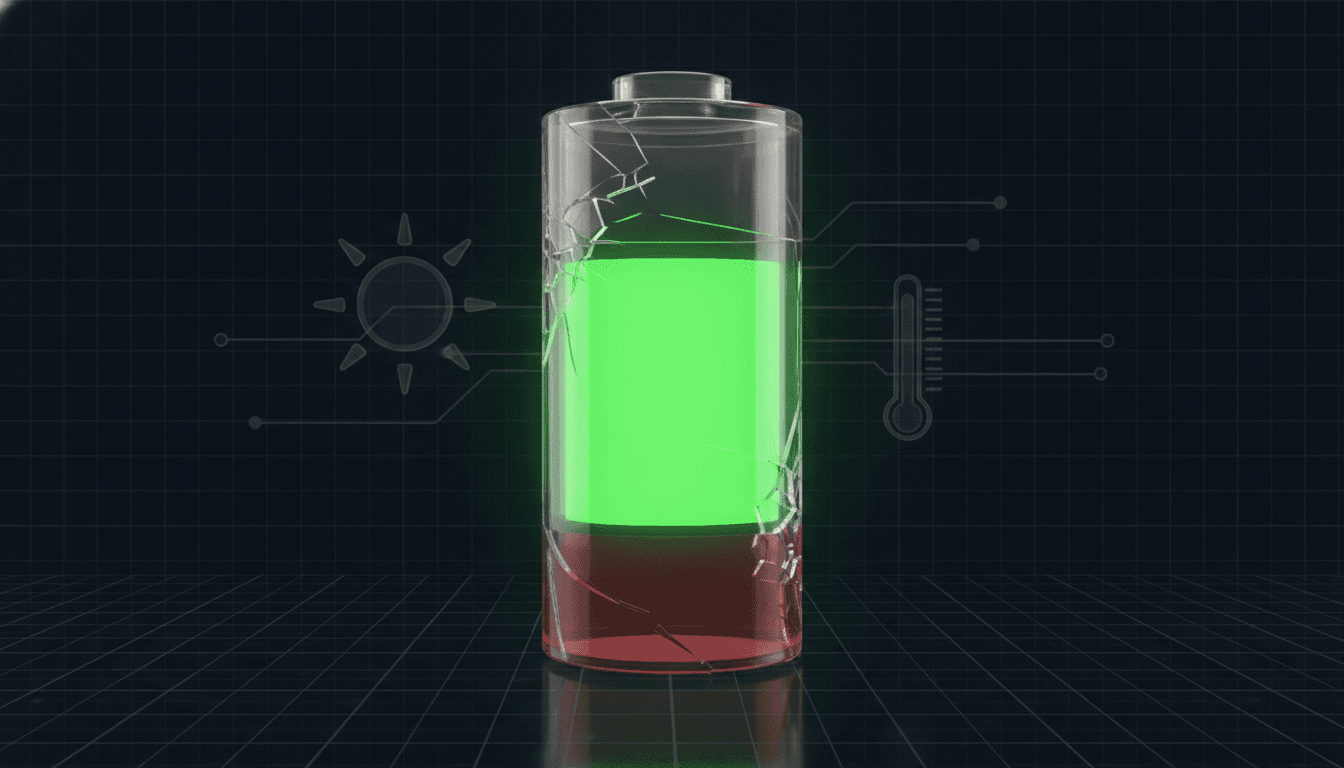
Inside every gadget you own is a delicate chemical dance. Tiny lithium ions shuttle back and forth between two electrodes through a liquid electrolyte. When the dance is smooth, your battery is healthy. But over time, with every single charge cycle, irreversible side reactions start gumming up the works. They degrade the battery's components. They reduce its ability to hold a charge. This aging is unavoidable. You can't stop it. But you can dramatically slow it down by controlling the two things that supercharge this decay: heat and extreme charge levels.
Heat is battery assassin number one. Seriously. Consistently operating a battery above 35°C (95°F) is a catalyst, speeding up those unwanted chemical reactions that permanently murder its capacity. Leave your phone on a car dashboard in the sun, and you can age the battery by months in a single afternoon. The other villain is voltage stress. Keeping a lithium-ion battery pinned at 100% or letting it crater to 0% puts immense strain on its internal components. It’s like constantly stretching a rubber band to its absolute limit. It will wear out much, much faster.
Battery Myths Debunked: Stop Doing These Things Immediately
A lot of the advice floating around out there isn't just wrong. It’s dangerously wrong, actively shortening the lifespan of your expensive gadgets. Time for some myth-busting.
Myth 1: You need to fully drain your battery to avoid a “memory effect.”
Wrong. This is perhaps the most persistent—and damaging—myth of them all. The “memory effect” was a real problem for old nickel-cadmium (NiCd) batteries back in the 90s. Modern lithium-ion batteries? They have no memory effect. Zero. In fact, the opposite is true. Deep discharges are one of the most stressful things you can inflict on a Li-ion battery. Regularly letting your device die completely wreaks havoc on the cells and leads to a permanent loss of capacity.
Myth 2: Charging your phone overnight will “overcharge” it and ruin the battery.
You technically can’t overcharge a modern phone. Every device made in the last decade has a smart battery management system that cuts off power the second it hits 100%. The real danger of overnight charging isn't some catastrophic overcharge event. It's keeping the battery sitting at that high-stress 100% state for hours and hours. That prolonged exposure to high voltage is what accelerates degradation. Not a disaster, but not ideal. This is precisely why Apple and Google created features like “Optimized Battery Charging” and “Adaptive Charging”—they learn your routine, charge to 80%, and then top off the final 20% just before you wake up.
Myth 3: Fast charging is always bad for your battery.
It’s complicated. The speed of fast charging itself doesn't inherently wreck a battery. The real culprit is the extra heat it generates. High-quality, certified fast chargers are smart; they communicate with your device to manage voltage and temperature, minimizing damage. The trouble starts when you use cheap, uncertified chargers or fast-charge while doing something intensive like gaming, which creates its own inferno. That’s a perfect storm for battery decay. The takeaway is simple: use reputable chargers, and if your phone gets noticeably hot, give it a break. The broader challenge of cooling powerful electronics is a major focus in the tech industry, from tiny gadgets to massive data centers, as explored in the acquisition of specialist cooling company CoolIT Systems.
Science-Backed Phone and Laptop Battery Longevity Tips
Okay, with the myths out of the way, let's focus on what the science says actually works. These practical phone battery health tips and laptop battery longevity tips are all about one thing: keeping your battery in its comfort zone.
Embrace the Goldilocks Zone: The 20-80% Rule
If you only follow one piece of advice, make it this one. The single most effective strategy for preserving a lithium-ion battery is keeping its charge level between 20% and 80% as much as humanly possible. This range is the sweet spot. It minimizes the voltage-related stress on the battery’s electrodes. So instead of one big 0-to-100 charge, aim for smaller, more frequent top-ups. The data doesn't lie. Research cited by Battery University, a top resource on battery tech, shows that reducing the peak charge from 100% to just 90% can double the battery's cycle life.
Keep It Cool
I’ll say it again: heat is the enemy. You have to actively manage your device’s temperature.
- Avoid hot environments: This should be obvious. Never leave your phone or laptop in a hot car or baking in direct sunlight.
- Remove the case when charging: This one’s important, especially for fast charging. Some cases are great insulators, which is exactly what you *don't* want—they trap heat.
- Don't charge while gaming: Graphically intense apps generate a ton of internal heat. Combining that with the heat from charging is a recipe for accelerated aging. If your device feels hot to the touch, just unplug it. Let it cool down.
Rethink Your Storage Habits
Putting a device away for a month or more? Don’t leave it fully charged or completely dead. The ideal storage charge is around 50%. Storing a battery at 100% for months can cause significant, irreversible damage. Storing it at 0% risks sending it into a deep discharge state from which it might never recover.
The Software Settings That Actually Make a Difference
While managing the hardware is paramount, a few software adjustments can help reduce how often you need to plug in, which contributes to long-term health.
- Lower Your Screen Brightness: Your display is almost always the biggest power hog on your device. Turning down the brightness is the fastest, most effective way to cut battery drain. Period.
- Manage Background Activity: And no, force-quitting apps is a myth. What you *can* do is go into your settings and be selective about which apps are allowed to constantly refresh or use location services in the background.
- Use Wi-Fi Over Cellular Data: A strong Wi-Fi signal simply uses less power than a cellular one, especially a power-hungry 5G connection.
Look, a battery is a consumable component. It has a finite lifespan, usually rated for 300 to 500 full charge cycles before it really starts to fade. You bought your device to use it, not to serve its battery. Don't let battery anxiety rule your life. Instead of obsessing over dozens of tiny tweaks, focus on the two that matter most: avoiding extreme heat and keeping the charge level in that 20-80% sweet spot. By understanding the simple science behind lithium ion battery care, you can move past the myths and genuinely help your gadgets last longer—a critical goal as we rely on them for everything and look towards a future of even more advanced AI-powered personal devices.
Related Articles


This article was produced with AI assistance under human direction, and reviewed and fact-checked by a named editor before publication. How we work.
Frequently asked questions
- Is it actually bad to charge my phone overnight?
- While modern phones prevent overcharging, leaving them plugged in all night keeps the battery at a high-stress 100% state for hours, which accelerates aging. For better long-term health, use your phone's 'Optimized Charging' or 'Adaptive Charging' feature, which intelligently delays the final charge to 100% until just before you typically wake up.
- Should I really only charge my phone to 80%?
- Yes, for optimal long-term health, keeping your lithium-ion battery between 20% and 80% is the most effective strategy. This range minimizes the voltage stress that degrades the battery's chemistry over time. It's not necessary to be perfectly strict, but avoiding frequent charges to 100% can significantly extend your battery's overall lifespan.
- Does fast charging ruin my battery health?
- Fast charging itself isn't the primary issue; the heat it generates is. Modern, high-quality chargers and phones have systems to manage temperature and current to protect the battery. However, frequent fast charging, especially in a hot environment or while gaming, can cause excessive heat and accelerate degradation. Using a slower charger when you're not in a hurry is a good practice.
- Do I need to fully drain my new phone's battery before charging it?
- No, this is a harmful myth left over from old nickel-cadmium battery technology. Modern lithium-ion batteries do not have a 'memory effect' and are stressed by deep discharges. You should start using and charging your new phone normally, ideally keeping it within the recommended 20-80% range for best results.
- How can I check my phone's battery health?
- For iPhones (iOS 11.3 or later), go to Settings > Battery > Battery Health & Charging to see the 'Maximum Capacity' percentage. Android users can find similar information in their settings, often under a 'Battery' or 'Device Care' section, though the exact location varies by manufacturer. A capacity below 80% indicates significant degradation.
Sources & further reading
Sources
- bgr.com — bgr.com
- powerhouselithium.com — powerhouselithium.com
- avg.com — avg.com
- anernstore.com — anernstore.com
- maxivolt.com — maxivolt.com
- faraday.ac.uk — faraday.ac.uk