The Truth About Wireless Charging: Convenience vs. Reality
It promises a world without cables, but what's the real price for just dropping your phone on a pad? We break down the trade-offs in speed, efficiency, and your battery's health.

How Wireless Charging Works: A Quick Primer on Invisible Power
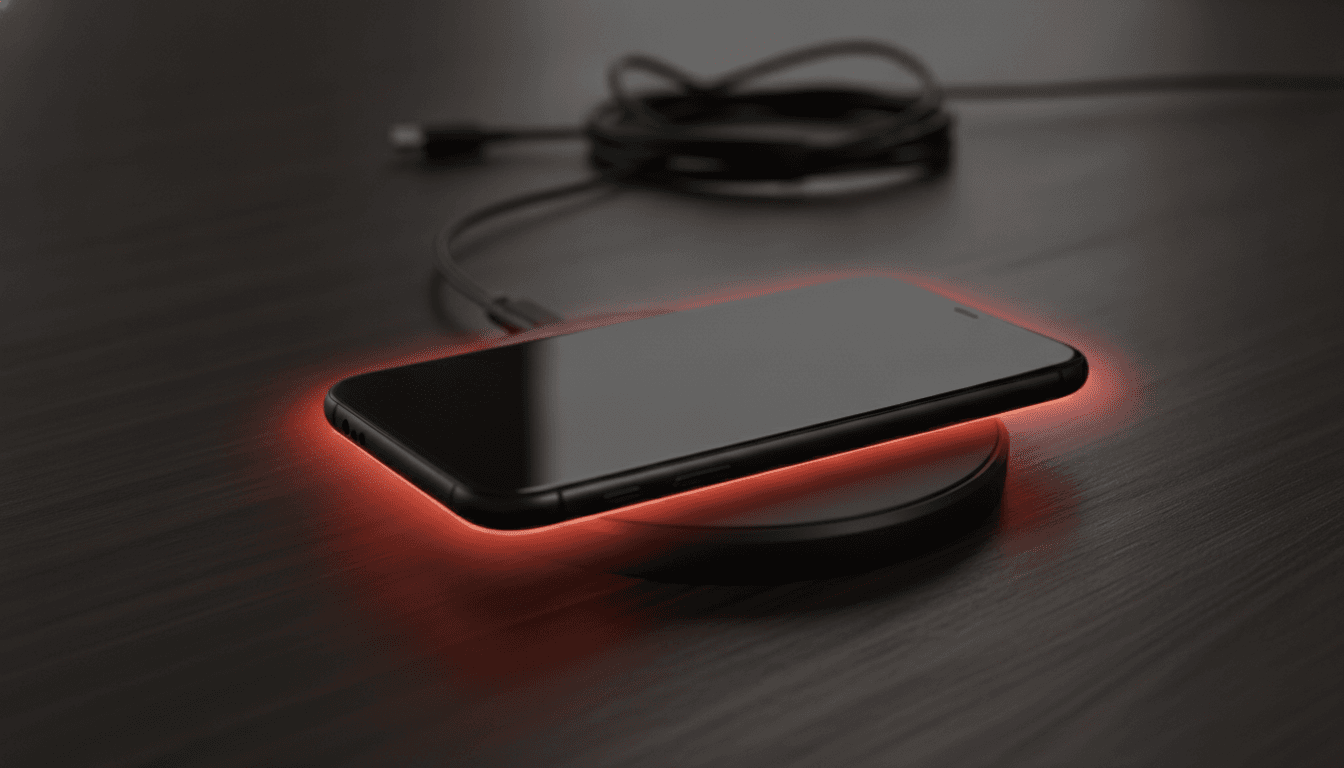
It feels like magic, right? You just drop your phone on a pad and power flows. But the principle is ancient—we're talking Michael Faraday back in the 1830s. At its heart is electromagnetic induction. The whole system uses two copper coils: one in the charging pad (the transmitter) and another inside your phone (the receiver). Plug the pad in, and it creates an oscillating magnetic field. When your phone gets close, its coil picks up that field, which induces an electric current that gets converted to DC power to juice your battery.
Today, most devices use the Qi standard. Pronounce it "chee." It's the universal language that lets any certified gadget talk to any certified charger. But the standard, which is managed by the Wireless Power Consortium, isn't just about compatibility; it’s also packed with crucial safety features—like communicating with your device to stop overcharging or using Foreign Object Detection (FOD) to cut power if you accidentally leave your keys on the pad, preventing a hot mess.
Wireless vs. Wired Charging: The Unavoidable Trade-Offs
Let's be honest: the appeal is pure convenience. No more fumbling for cables. No more shredded cords or worn-out charging ports. But that ease comes with a steep price, paid in both speed and efficiency.
Is Wireless Charging Slower? Yes, and Here's Why.
Yes. It's just slower. While new standards like Qi2 are closing the gap, a cable is still king for speed. A typical Qi charger pushes maybe 5 to 15 watts. Compare that to a modern USB-C wired charger that can blast out 65W or more, filling a battery in less than an hour. The difference is stark: a 15W wireless charger might get you to 50% in an hour, while a fast cable can hit that same mark in just 15 or 20 minutes.
So why the lag? It's physics. The very process of converting electricity into a magnetic field, beaming it through the air, and then converting it back into electricity is just plain messier and less efficient than shooting electrons down a copper wire. That inefficiency has to go somewhere. It becomes heat.
The Efficiency Gap: Where Does the Power Go?
Your average cable is incredibly efficient, delivering 85-95% of the power from the wall straight to your battery. Wireless is a different story. It operates at around 70-80% efficiency, which means a big chunk—20% to 30%—of the juice you're paying for is just wasted. Gone. Some tests show it can take almost 50% more energy from the outlet to get the same amount of charge into your phone compared to using a cable.
What's causing all this waste? The air gap. That tiny space between the two coils is the main culprit. Even a slight misalignment forces the charger to work harder, generating more heat. A thick phone case only makes it worse. And that lost energy doesn't just disappear into the ether—it becomes the very thing that poses the biggest threat to your device’s long-term health.
Does Wireless Charging Damage Your Battery? The Heated Debate
So here's the big one: does wireless charging damage your battery? The short answer is complicated. No, the technology itself won't fry your phone. The real enemy is heat. And wireless charging, by its very nature, generates a lot more of it.
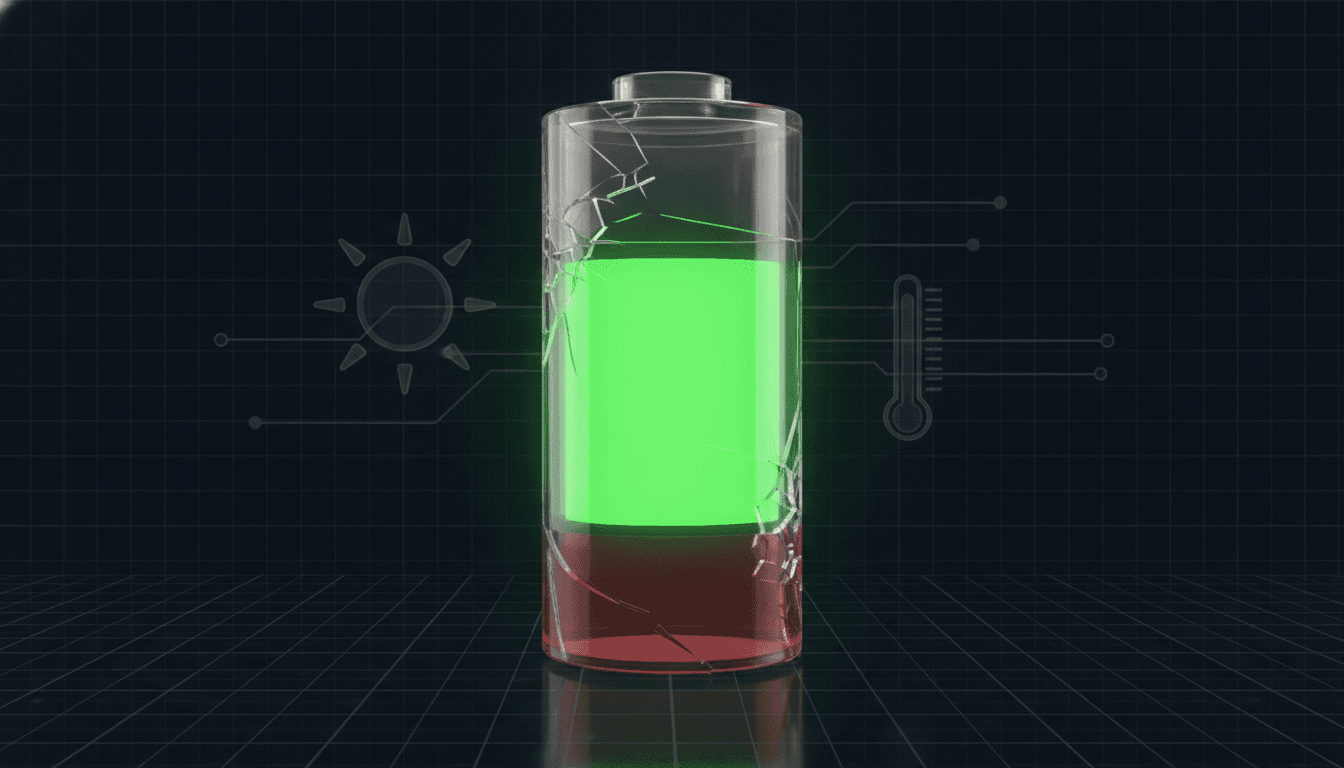
Heat is the number one killer of batteries. It accelerates the internal chemical reactions that permanently kill a lithium-ion cell's capacity, especially once temperatures climb above 30-35°C (86-95°F). The damage is real. One study found charging at a toasty 45°C (113°F) caused more than double the degradation of charging at room temperature. Thanks to its inefficiency, wireless charging can easily raise a phone's temperature by 10-20°C. Sure, your phone has thermal controls to throttle charging when it gets too hot, but that repeated exposure to excess heat will absolutely shorten your battery's lifespan over time.
And we often make it worse. Gaming while charging? You're creating a tiny furnace. Leaving it on the pad overnight subjects the battery to a double-whammy: it's held at a high-stress 100% charge for hours while also being gently cooked by low-level heat. It's a bad combination. If you really want your battery to last, most experts agree you should try to keep it between 20% and 80%.
Busting Common Wireless Charging Myths
For a technology that's become so common, wireless charging is still surrounded by some stubborn myths. Time to bust a few of the big ones.
- Myth: It's dangerous and emits harmful radiation. Wrong. The electromagnetic field is extremely low-power, non-ionizing, and barely extends beyond the pad itself. It’s perfectly safe.
- Myth: You can't use a case. Most of the time, you can. Your typical plastic, silicone, or leather case under 3mm thick is no problem. Just pull off any metal cases or those with non-MagSafe magnets, as they'll interfere.
- Myth: It's a new, unproven technology. Not even close. Inductive charging has been powering electric toothbrushes for decades. The Qi standard itself landed way back in 2010. As explored in an article on the future of AI gadgets, it's actually a mature tech that makes seamless experiences possible.
The Verdict: Is the Convenience Worth It?
Wireless charging offers one huge, tangible benefit: convenience. It cleans up our desks. It simplifies the daily power-up ritual. For a lot of people, that's more than enough. Just dropping your phone on a nightstand pad is, admittedly, pretty great.
But nothing is free. You're trading speed and energy efficiency for that convenience. You're also introducing more heat, which could shorten your battery's life. So if raw speed is your priority, or if you plan to keep your phone for years and want to maximize battery health, the humble cable is still your best bet—especially a lower-wattage one that runs cooler. This problem of excess heat isn't just about phones; it's a massive challenge everywhere from our pockets to the giant server farms, a topic covered in the story of Ecolab's big bet on data center cooling.
The choice really comes down to how you use your phone. Charging overnight? Topping up at your desk? The slower, warmer wireless charge probably won't do any major harm. But for that quick blast of power before you run out the door, the cable is—and will be for a while—the undisputed champion.
Related Articles
This article was produced with AI assistance under human direction, and reviewed and fact-checked by a named editor before publication. How we work.
Frequently asked questions
- Does wireless charging damage your phone's battery?
- Wireless charging itself doesn't directly damage a battery, but it generates more heat than wired charging. Over time, repeated exposure to this excess heat can accelerate the degradation of the lithium-ion battery, potentially shortening its overall lifespan compared to cooler, wired charging methods.
- Is wireless charging slower than using a cable?
- Yes, wireless charging is generally slower than modern fast wired charging. Standard Qi wireless chargers typically deliver 5-15 watts of power, while high-speed wired chargers can deliver 65 watts or more. This means a cable can charge a phone significantly faster, which is a key difference in the wireless vs wired charging debate.
- Why is wireless charging less efficient than wired charging?
- Wireless charging loses energy when converting electricity to a magnetic field and back again. This process, known as electromagnetic induction, is inherently less efficient than sending power directly through a cable. Factors like coil misalignment and the air gap between the charger and device cause energy to be lost as heat, with efficiency rates around 70-80% compared to 85-95% for wired connections.
- Can I use a wireless charger with my phone case on?
- In most cases, yes. Wireless charging works through typical plastic, silicone, or leather cases that are under 3mm thick. However, very thick, rugged cases or cases containing metal or magnets (that are not part of a MagSafe-compatible system) can interfere with the charging process and should be removed.
Sources & further reading
Sources
- zens.tech — zens.tech
- freepower.io — freepower.io
- anker.com — anker.com
- wikipedia.org — en.wikipedia.org
- airfuel.org — airfuel.org
- lenovo.com — lenovo.com