Your First Smart Home: A Step-by-Step Guide for Beginners
Building a smart home is easier than ever. The trick? Avoiding a tangled mess of apps that don't talk to each other. Here's exactly where to start.

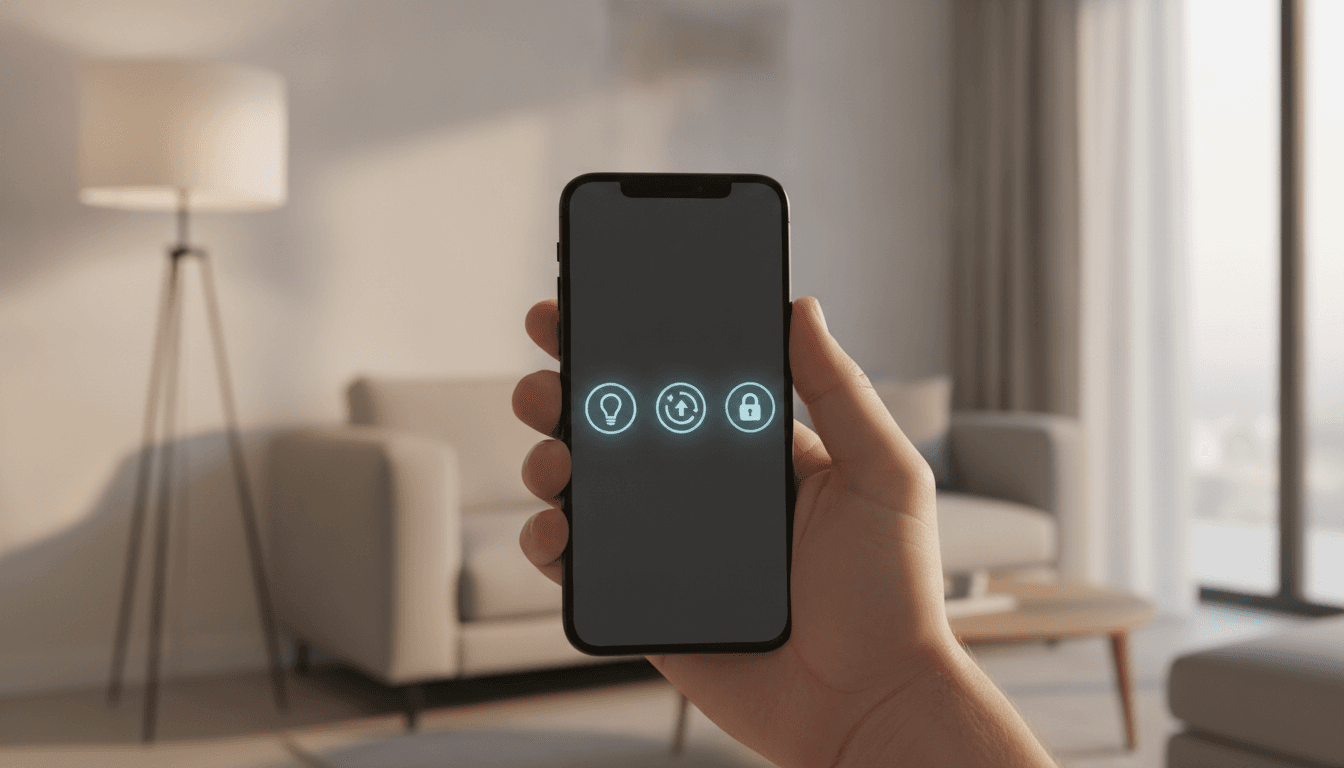
Step 1: Choose Your Leader — Picking a Smart Home Ecosystem
Don't even think about buying a smart bulb yet. Your first move—the most critical one—is choosing an ecosystem. This is the central government for your new digital home. It's the platform dictating which devices can talk to each other and how you'll tell them what to do. Your entire journey on how to set up a smart home starts right here. For most beginners, the choice boils down to three giants: Amazon Alexa, Google Home, and Apple Home.
So which one is right for you? It almost always depends on the smartphone in your pocket and what you value most.
- Amazon Alexa: The undisputed heavyweight champion of device compatibility. If you want the absolute widest selection of gadgets from thousands of companies, Alexa is your safest bet. It's a hugely flexible, voice-first platform that just works with a dizzying array of stuff.
- Google Home: The brainiac of the group. By leveraging Google's colossal power in AI and search, the Google Assistant gives you more context-aware and intelligent answers. It also melts seamlessly into Android phones and Google services like Calendar and Maps, which makes its automations feel a whole lot smarter.
- Apple Home (formerly HomeKit): The privacy hawk. In classic Apple fashion, security comes first, with most commands processed locally on your devices instead of in the cloud. Faster. More secure. But that privacy comes at a cost—the list of compatible devices is much smaller and often pricier. This is the obvious choice for anyone already living in Apple's world of iPhones, iPads, and Apple TVs.
In the past, this decision would lock you into a walled garden. An Alexa device was only an Alexa device. That's still partly true, but a new hero has entered the chat, promising to tear those walls down.
Step 2: Embrace the Future with Matter
Compatibility. It was the single biggest nightmare for early smart home adopters. You’d end up with a phone screen full of different apps for your lights, thermostat, and security camera—none of which worked together. A total mess. This is the exact problem that Matter was created to solve.
Developed by the Connectivity Standards Alliance (CSA)—a massive group that includes Amazon, Apple, Google, and hundreds of others—Matter is a universal smart home standard. Think of it like USB for your smart home. It's a single, open-source language allowing devices from different brands to communicate directly, no matter which ecosystem you picked in Step 1. A Matter-certified lightbulb can be controlled by Alexa, Google Assistant, and Apple's Siri. Simultaneously.
As a beginner starting in 2026, you have a huge advantage. Prioritize buying Matter-certified devices from day one. Just look for that distinctive Matter logo on the box. This future-proofs your entire setup, giving you the freedom to switch ecosystems later or mix and match control methods without a second thought. It also makes setup simpler and relies on your local network (via Wi-Fi or a protocol called Thread), which means faster responses and a system that still works even if your internet goes down.
Step 3: Establish Your Command Center (Hint: You Might Not Need a Hub)
Okay, you've picked your team and pledged allegiance to Matter. Now you need a central controller. In the early days, this meant buying a dedicated plastic box called a 'smart hub,' a separate piece of hardware to translate signals between different wireless protocols like Z-Wave and Zigbee. Today, the answer is much, much simpler.
For most people just starting out, a smart speaker is the hub. An Amazon Echo, Google Nest Hub, or Apple HomePod Mini acts as the brain of your home, taking your voice commands and routing them to the right device. These aren't just for music. They are Matter controllers. And in many cases, they also include radios for Thread, which is a low-power mesh network perfect for small, battery-operated sensors.
So, do you need one of those dedicated hubs? Probably not. A smart speaker is the perfect place to start. You should only consider a more advanced, dedicated hub from brands like Aeotec or Hubitat if you get deep into the hobby and want to run complex, fully-local automations or bring in older, non-Matter gadgets that use Z-Wave or Zigbee.
Your smart home setup step by step should begin with one smart speaker that matches the ecosystem you chose. Put it somewhere central, like the kitchen.
Step 4: Your First Smart Home Devices to Buy
With the foundation in place, it’s time for the fun part. The gadgets. But there's a key rule here: start small. Solve a specific problem. Please, don't try to automate your entire house overnight. Focus on one or two areas that will give you an immediate, tangible win. Here are the best first smart home devices to buy.
Smart Lighting: The Gateway Drug
There's a reason smart lighting is the classic entry point. It's relatively cheap, easy to install, and delivers an instant 'wow' moment. You have two main options:
- Smart Bulbs: These just screw into existing lamps and fixtures. They're fantastic for individual lamps or if you want to play with color-changing effects. Philips Hue and Nanoleaf offer excellent Matter-compatible choices.
- Smart Switches: A smart switch replaces the switch on your wall, controlling the whole circuit. This is the smarter option for rooms with lots of overhead lights—why replace six bulbs when you can replace one switch? It also keeps the switch working like a normal switch, which is a sanity-saver for guests.
Pick one room. Get its lights automated to turn on when you get home or dim for movie night. You'll be hooked.
Smart Plugs: Making Dumb Things Smart
What about all the things that aren't inherently 'smart'? That's a job for smart plugs. These little adapters fit between a wall outlet and a device's power cord, letting you control anything with a physical on/off switch. Coffee makers, fans, holiday lights, that awkward lamp in the corner. They're a cheap, versatile weapon for your automation arsenal.
Smart Thermostat: The Money Saver
Sure, it's more of an investment up front, but a smart thermostat from a company like Nest or Ecobee can genuinely pay for itself in energy savings. These things learn your schedule, automatically dialing down the heat or AC when you're away. They also give you the undeniable convenience of changing the temperature from your phone or with a quick voice command.
Step 5: Build Out, Don't Overbuy
Once you've mastered these first few devices, you can explore other categories based on what you actually need. A video doorbell for security? Smart blinds for convenience? Maybe even one of the best robot vacuums to handle the floors.
The guiding principle is simple: solve problems, don't just collect gadgets. Every new device needs a purpose. Do you want to wake up more gently? Automate your lights to fade in slowly. Worried you left the garage door open again? A smart garage controller can alert you and let you close it remotely from anywhere. Of course, a strong Wi-Fi network is the backbone of all of this, so if you're struggling with connectivity, it might be time to ask, should you upgrade your router in 2026?
By starting with a solid ecosystem, prioritizing Matter, and adding devices that serve a real purpose, you can build a powerful and intuitive smart home. You're not just connecting devices; you're creating a home that responds to you.
Related Articles


This article was produced with AI assistance under human direction, and reviewed and fact-checked by a named editor before publication. How we work.
Frequently asked questions
- What is the very first thing I should buy for a smart home?
- The first thing you should buy is a smart speaker, like an Amazon Echo, Google Nest Mini, or Apple HomePod mini. This device will act as the central hub and controller for your entire smart home, allowing you to use voice commands and set up automations. It's the foundation upon which you'll build everything else.
- Which is the best smart home ecosystem for beginners?
- For most beginners, Amazon Alexa is the best ecosystem due to its massive compatibility with thousands of devices. However, if you are heavily invested in the Apple ecosystem, Apple Home offers superior privacy and a seamless experience. Google Home is a strong choice for Android users who want a smarter, more context-aware voice assistant.
- Do I need a special hub to start a smart home?
- No, you likely do not need a dedicated smart home hub when you're just starting. Modern smart speakers from Amazon, Google, and Apple can serve as your hub, controlling devices via Wi-Fi, Bluetooth, and even Thread. You only need a separate hub for advanced automations or to connect older, non-Matter devices that use Z-Wave or Zigbee.
- What is Matter and why is it important for a smart home?
- Matter is a universal connectivity standard that allows smart home devices from different manufacturers to work together seamlessly. By choosing devices with the Matter logo, you ensure they will work with any major ecosystem (Apple, Google, Amazon), which simplifies setup and future-proofs your home, preventing you from being locked into a single brand.
- What are the 3 easiest smart home devices to start with?
- The three easiest and most impactful devices to start with are smart lighting (either bulbs or switches), smart plugs, and a smart speaker. Smart lighting offers immediate convenience and ambiance. Smart plugs can make almost any simple electronic device 'smart.' The smart speaker ties everything together with voice control, acting as your central command center.
Sources & further reading
Sources
- smarthomecompared.com — smarthomecompared.com
- vivint.com — vivint.com
- makeuseof.com — makeuseof.com
- spartanconcepts.ai — spartanconcepts.ai
- ththeater.com — ththeater.com
- excaltech.com — excaltech.com