Midjourney vs. DALL-E 3 vs. Stable Diffusion: The Best AI Image Generators of 2026
The AI art world is a battlefield. Midjourney, DALL-E 3, Stable Diffusion—they're all vying for the crown. We're breaking down the leaders on quality, style, price, and pure usability to show you which one actually fits your creative work.

The New Creative Vanguard: Who's on Top in AI Image Generation?
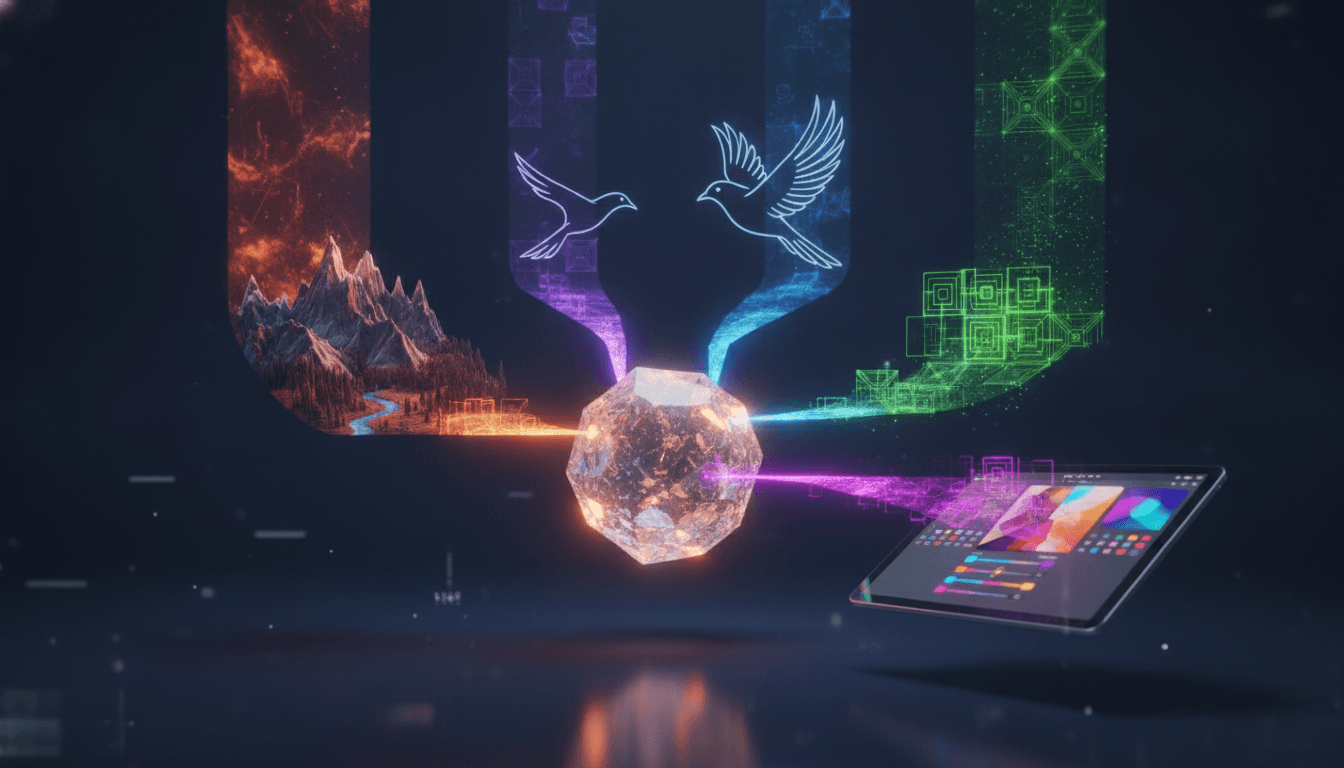
AI art isn't a novelty anymore. What started as a weird tech experiment is now a must-have tool for designers, marketers, and artists everywhere. The question has changed. It's not just about finding a generator that *works*—it’s about finding the one that slots perfectly into your workflow, nails your aesthetic, and doesn't demolish your budget. In this guide, we're pitting the heavyweights against each other: Midjourney, DALL-E 3, Stable Diffusion, and Adobe Firefly. Each has its own personality, its own strengths. So, who should use which? Let's get into it.
The battle lines are pretty clearly drawn. Midjourney owns the high-art, atmospheric lane. DALL-E 3, plugged right into ChatGPT, is the go-to for complex prompts and marketing work. Then there's Stable Diffusion—the control freak's dream. And Adobe Firefly? That's the commercially-safe, enterprise-ready option for anyone living in the Creative Cloud. But here's the catch: it's all changing. Fast. These platforms are constantly dropping updates, blurring the lines and making this whole comparison a moving target.
Midjourney: The Artist's Choice for Aesthetic Excellence
Want images that are just plain beautiful? Atmospheric, artistic, even breathtaking? Midjourney is probably your tool. For a long time, it's been the undisputed king of aesthetics, churning out visuals that look like they were art-directed by a human, not an algorithm. The latest versions—V6 and beyond—have only widened that lead with huge jumps in realism and the ability to finally follow complex instructions. We're talking crisp 2048x2048 resolution from prompts that can run over 350 words long.
The user experience has gotten a facelift, too. Midjourney has finally started moving away from its clunky, Discord-only roots to a slicker web interface, which is a huge relief for newcomers. Don't get too comfortable, though; there’s still a real learning curve to mastering its powerful parameters. But for artists, designers—anyone who obsesses over mood, lighting, and that cinematic quality—Midjourney's output is just better. It's the one you use when the 'vibe' is non-negotiable. Curious how this stuff works? We've got a guide on how AI image generators tick.
Key Strengths & Weaknesses
- Quality and Style: Simply the best for cinematic, artistic, and photorealistic work. Its look is the reason you use it.
- Ease of Use: Better, thanks to the new web UI. But the Discord workflow and a mountain of parameters can still scare off beginners.
- Pricing: It's subscription-only. Plans start around $10/month for a taste and scale up to $120/month for power users.
- Best For: Artists, concept designers, and anyone creating brand visuals that need to stop people in their tracks.
DALL-E 3: The Prompt Whisperer for Marketers and Generalists
DALL-E 3 has a secret weapon. ChatGPT. Its native integration with the world's most famous chatbot makes it, by far, the easiest AI art generator on the market. Forget learning complex prompt engineering. You just talk to it. You refine your idea in plain English, back and forth, until the image in your head appears on the screen. This conversational style is a massive advantage for anyone who needs to iterate and get things done fast.
But its real superpower? Prompt comprehension. DALL-E 3 is freakishly good at understanding long, convoluted sentences with multiple subjects doing different things in specific places. And it can actually put legible text on an image—a task that trips up almost every other model. This makes it the obvious choice for marketing assets, social media posts, ads with slogans, or any visual that needs to follow directions to the letter. Sure, its photorealism can sometimes look a little... 'AI-generated' next to Midjourney's best stuff. A bit airbrushed. But for sheer reliability and ease, it's a beast.
Key Strengths & Weaknesses
- Quality and Style: Excellent for illustrations and crisp marketing graphics. Its photorealism is solid, though it can't quite match Midjourney's nuance.
- Ease of Use: The undisputed champion. Talking to ChatGPT is as easy as it gets.
- Pricing: Comes with your $20/month ChatGPT Plus subscription. You can also get a taste for free, with some limits, via Microsoft Copilot.
- Best For: Marketers, content creators, and anyone who needs an image that follows orders, fast.
Stable Diffusion: The Power User's Dream for Ultimate Control
And then there's Stable Diffusion. The rebel. It's the open-source champion in a world of walled gardens. While Midjourney and DALL-E 3 are locked-down systems, Stable Diffusion gives you the keys to the kingdom—if you're willing to learn how to drive. Its real power isn't the base model itself, but the massive, sprawling ecosystem of community-built tools, custom models, and wild extensions like ControlNet and LoRAs. (Want to understand the engine under the hood? Our primer on neural networks explains it all.)
This isn't just about tweaking prompts. This is about total control. With a tool like ControlNet, you can literally force the AI to copy a specific pose or composition from another image. LoRAs let you train the model on a particular face, character, or artistic style for uncanny consistency. The latest release, Stable Diffusion 3, even got a major architecture upgrade, making it much better at juggling multiple subjects and—finally—getting text right. For pro workflows where 'close enough' isn't good enough, this is your platform. The catch? It’s a lot of work. Getting those top-tier results requires some serious technical know-how and setup.
Key Strengths & Weaknesses
- Quality and Style: Sky's the limit. But the final quality is entirely on you—your skill, your models, your setup.
- Ease of Use: The hardest, by a mile. You need to get your hands dirty with technical concepts, though platforms like DreamStudio try to soften the blow.
- Pricing: The model is free if you have the hardware to run it locally. Otherwise, you're paying for cloud services, and those prices are all over the map.
- Best For: Pros, developers, and tinkerers. Anyone who needs to be in the driver's seat.
Adobe Firefly: The Safe Bet for Enterprise and Design Workflows
Adobe’s Firefly isn't trying to be the flashiest tool in the box. It’s trying to be the safest. Built from the ground up for commercial use, its entire model was trained exclusively on Adobe Stock images and other openly licensed content. What does that mean? No messy copyright headaches. For big companies and creative agencies where lawyers are always watching, that peace of mind is everything.
But Firefly’s real killer feature is its home-field advantage: Adobe Creative Cloud. Tools like Generative Fill are baked right into Photoshop, letting designers add, remove, or expand parts of an image as if by magic. It's less about creating images from scratch and more about supercharging the editing and compositing work they already do. It might not have the raw, artistic punch of Midjourney, but for a professional designer, the workflow is just ridiculously efficient. And it's growing—Adobe is already pushing it into video and audio. (On a budget? We also have a guide to the best free AI tools out there.)
Key Strengths & Weaknesses
- Quality and Style: High-quality, professional results. It nails realistic and illustrative styles perfectly for commercial work.
- Ease of Use: Dead simple. It's built right into the Adobe apps you already use every day.
- Pricing: It uses a credit system. Paid plans kick off around $9.99/month, and it's included in many Creative Cloud subscriptions.
- Best For: Big marketing teams, agencies, and any designer who lives and breathes Adobe.
The Final Verdict: Which AI Art Generator Should You Choose?
So, what's the verdict? There is no single "best" AI image generator. It's not that simple. The right tool depends entirely on what you're doing. For pure, jaw-dropping artistic quality, you go with Midjourney. For a tool that actually listens to your complex instructions and gets it right, you pick DALL-E 3. Need to control every single pixel and build a custom professional pipeline? The open-source power of Stable Diffusion is the only answer. And if you're a business that needs something commercially safe and plugged right into Photoshop, you're signing up for Adobe Firefly. Period.
Look, this entire field is moving at an insane speed. The models are all getting smarter, better at text, better at keeping characters consistent. The lines between these tools are blurring with every update. The best advice? Figure out what you need *right now*. Pick the generator that solves that one problem best. And just be ready to jump to the next big thing tomorrow.
Related Articles
This article was produced with AI assistance under human direction, and reviewed and fact-checked by a named editor before publication. How we work.
Frequently asked questions
- What is the best AI image generator for photorealism?
- Midjourney is widely regarded as the leader for creating highly realistic and artistic photos. Its V6 model and subsequent versions produce images with stunning detail, lighting, and composition that can be hard to distinguish from actual photographs. While other tools like Stable Diffusion and DALL-E 3 are also capable of photorealism, Midjourney consistently excels at achieving a cinematic and aesthetically pleasing quality.
- Which AI art tool is best for beginners?
- DALL-E 3, especially when used through ChatGPT, is the most beginner-friendly AI art generator. Its conversational interface allows users to describe what they want in plain language and refine the image through simple chat commands, removing the need to learn complex prompt engineering. Adobe Firefly and Canva's image generator are also excellent starting points due to their intuitive user interfaces.
- Can I use AI-generated images for commercial purposes?
- Commercial usage rights depend on the tool you use. Adobe Firefly is explicitly designed for commercial safety, as it's trained on licensed content. Midjourney's paid plans grant you commercial rights to the images you create. For open-source models like Stable Diffusion, the license of the specific model version you use is critical. Always review the terms of service for any AI tool before using its output for commercial projects to ensure compliance.
- What is the best AI image generator for rendering text?
- DALL-E 3 and Stable Diffusion 3 have shown significant improvements in accurately rendering text within images, a task that has historically been very difficult for AI models. Ideogram is another tool specifically noted for its strong typography and text control. While not always perfect, these models are currently the most reliable options if your image needs to include legible and correctly spelled words.
- How does Midjourney compare to DALL-E 3?
- Midjourney excels at producing high-quality, artistic, and aesthetically superior images with a distinct cinematic feel. It's favored by artists for its visual flair. DALL-E 3's main strength is its exceptional understanding of complex prompts and its ease of use through a conversational interface with ChatGPT. It's often better for specific marketing or illustrative tasks where precise prompt adherence is more important than pure artistic style.
Sources & further reading
Sources
- aimlapi.com — aimlapi.com
- imagine.art — imagine.art
- medium.com — travisnicholson.medium.com
- aiviewer.ai — aiviewer.ai
- cometly.com — cometly.com
- spliiit.com — spliiit.com