The 2026 Developer Laptop Buying Guide
Stop chasing gaming specs. The right laptop for coding is about a great keyboard, sustained power, and an OS that fits your workflow—not just raw graphics. Here’s what you actually need to look for.

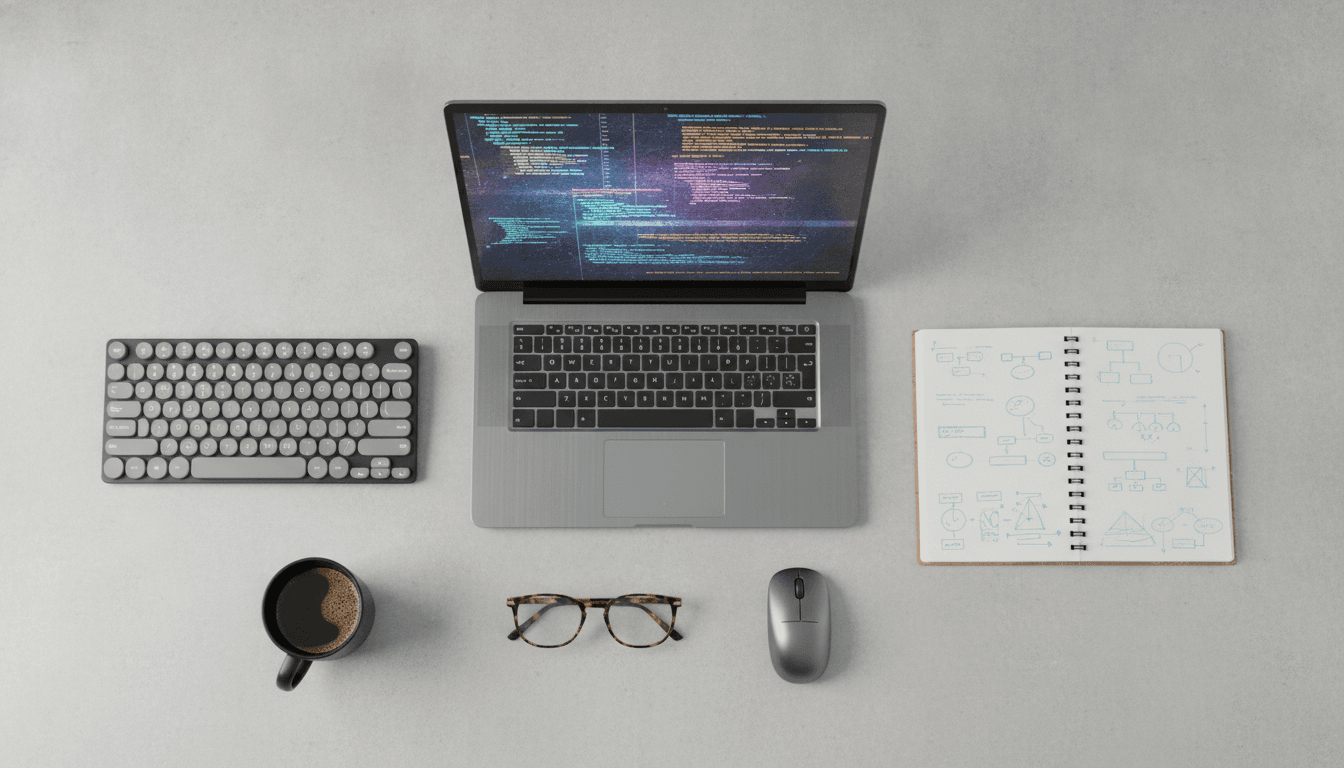
Beyond the Benchmarks: What Programmers Actually Need
Finding the right laptop isn't about buying the most powerful machine on the shelf. It’s about the *kind* of power you get. A software engineer’s laptop is a specialized tool, not a toy. It has to chew through long compile times, juggle multiple local servers, and—most critically—feel good to type on for thousands of hours a year. This guide cuts through the marketing fluff to focus on what genuinely helps you code.
The Trinity: CPU, RAM, and Keyboard
Flashy RGB lighting? Stratospheric refresh rates? Forget them. A programmer’s productivity rests on a much simpler foundation. The Central Processing Unit (CPU) is the engine. For the daily grind of compiling code, running local databases, and multitasking between your IDE and a dozen browser tabs, a modern multi-core processor is non-negotiable. Look for chips like the Intel Core Ultra series or AMD's Ryzen AI processors. And Apple's M-series silicon? It has proven to be a monster, delivering an incredible mix of performance and efficiency that keeps you running for hours off the plug.
Then there's memory. Think of RAM as your active workspace, and in 2026, 16GB is the absolute floor. But if you work with virtualization like Docker, handle large datasets, or live in a resource-hungry IDE like Android Studio, 32GB is the new standard. It's what keeps your system from bogging down when you’re running a complex local environment. Anything less is just an invitation to frustration.
And what's the most overlooked component? The keyboard. A developer types millions of characters. A mushy, shallow keyboard is a recipe for fatigue and sloppy mistakes. You need to hunt down reviews that talk about key travel, tactile feedback, and a sane layout. There's a reason coders have sworn by the legendary keyboards on Lenovo's ThinkPad line for decades.
Display, Battery, and Storage: The Supporting Cast
These parts aren't the headliners, but they define your daily experience. Your laptop’s display is your window into your code, so you should prioritize screen real estate and resolution over blazing-fast refresh rates. A taller aspect ratio, like 16:10, is a huge quality-of-life win because it shows you more code at once. QHD+ resolution makes text razor-sharp, which your eyes will thank you for. And storage? A fast NVMe Solid-State Drive (SSD) is essential. It makes everything faster—booting up, loading projects, compiling code. Get at least 512GB, but 1TB is highly recommended so you don't have to worry about space for large projects and container images.
The Great Ecosystem Debate: macOS, Windows, or Linux?
Now for the big one. The choice of operating system is deeply personal and depends almost entirely on what you build. There's no single 'best' laptop for coding. There's only the best one for *your* stack.
macOS: The Polished Unix
Apple gives you a slick, user-friendly interface sitting on a powerful Unix foundation. For web and mobile developers, it's often the path of least resistance. The terminal is a first-class citizen, and tools like Homebrew make installing software a snap. And if you're building apps for iOS, iPadOS, or visionOS? You don't have a choice. You need a Mac. The tight integration of Apple's hardware and software, especially with its power-sipping M-series chips, results in fantastic performance and battery life that makes the MacBook Pro a perennial favorite.
Windows + WSL: The New Powerhouse
For years, Windows was a tough sell for many open-source developers. Not anymore. The Windows Subsystem for Linux (WSL) changed the entire equation, letting you run a genuine Linux environment right on Windows without the performance hit of a traditional VM. This gives you seamless access to the massive world of Linux command-line tools. Of course, for developers working in .NET, C#, or game dev with DirectX, Windows has always been home. The rise of WSL makes Windows a compelling, do-it-all choice for nearly any developer, with the widest possible hardware selection from companies like Dell, HP, and Lenovo.
Linux: The Purist's Choice
Maximum control. Zero bloat. That's Linux. It runs the internet's backend, from servers to cloud infrastructure, so if your work involves DevOps or system-level programming, working in a native Linux environment just makes sense. Popular distributions like Ubuntu or Pop!_OS offer a polished desktop experience that feels miles away from the command-line stereotype. Yes, it can take a bit more tinkering to set up, but the reward is a system perfectly tailored to your workflow. The old challenge of spotty driver support has also gotten much, much better.
A Developer Laptop Buying Guide for Every Discipline
Your specialty dictates your hardware. A web developer’s ideal machine is completely different from a machine learning engineer’s. Buying smart means buying for your specific job.
Web and General-Purpose Development
For most frontend, backend, or full-stack work, you don't need a beast of a machine. The heavy lifting happens in your browser, VS Code, and the terminal. A modern multi-core CPU, 16GB of RAM, and a 512GB SSD will serve you well. Both macOS and Windows with WSL are fantastic choices here, though Unix-based systems get a slight nod for their native command-line tools.
Mobile Development (iOS & Android)
Here's where things get specific. iOS development requires a Mac. End of story. Android development can happen on any OS, but Android Studio and its emulators are notoriously hungry for system resources. If you're serious about mobile development, get 32GB of RAM. Don't even think about less. You need it for a smooth experience running an emulator, the IDE, and a build process all at once.
Data Science and Machine Learning
The game changes here. A powerful CPU and tons of RAM (32GB or even 64GB) are vital for wrangling data, but the Graphics Processing Unit (GPU) moves from a supporting role to a main character. Many machine learning libraries like TensorFlow and PyTorch rely on NVIDIA's CUDA platform to speed up model training. That means a laptop with a dedicated NVIDIA RTX-series GPU is practically a requirement for anyone doing serious training locally. As AI continues to reshape software engineering, the need for local GPU power is only going up.
Game Development
This is the one field where a developer's needs look a lot like a gamer's. You'll need all the power you can get. Game engines like Unreal and Unity are incredibly demanding, so a top-tier CPU and the most powerful GPU you can afford are critical for building and testing your work. A fast SSD is also a must for cutting down level-load times. Windows is the undisputed king here, thanks to its dominance in PC gaming and robust support for tools like DirectX.
So no, there is no single 'best laptop' for every programmer. It's a tool, chosen for a specific job. You need a machine that balances raw power with the simple, practical ergonomics of writing code all day. Prioritize the keyboard, the screen, and the right amount of RAM for your discipline. That will serve you far better than chasing a high score on a benchmark you'll never run again. The goal is a machine that gets out of your way and just lets you build.
Related Articles


This article was produced with AI assistance under human direction, and reviewed and fact-checked by a named editor before publication. How we work.
Frequently asked questions
- How much RAM do I need for programming in 2026?
- For programming in 2026, 16GB of RAM is considered the minimum for a smooth experience, especially for web development and general coding tasks. However, 32GB is highly recommended if you work with virtual machines, containers like Docker, or resource-heavy applications like Android Studio, as it prevents system slowdowns during complex workflows.
- Is a MacBook good for programming?
- Yes, MacBooks are excellent for programming, particularly for web and mobile development. Their Unix-based operating system, macOS, provides a strong foundation for common developer tools. For iOS app development, a Mac is mandatory. The performance and power efficiency of Apple's M-series chips also contribute to a great user experience with long battery life.
- Do I need a dedicated GPU for programming?
- Most programming tasks, like web and application development, do not require a dedicated GPU. However, it becomes essential for specific fields like machine learning, data science, and game development. Machine learning frameworks often use NVIDIA GPUs (via CUDA) to accelerate model training, and game engines rely heavily on GPU power for rendering.
- Which is better for programmers: Windows, macOS, or Linux?
- Each OS has its strengths. macOS offers a polished, Unix-based experience ideal for web and mobile development. Linux provides maximum control and is preferred for server-side and embedded systems work. Windows, with the Windows Subsystem for Linux (WSL), has become a highly versatile option that combines a familiar desktop with powerful Linux tools, making it suitable for almost any development task.
Sources & further reading
Sources
- dev.to — dev.to
- rtings.com — rtings.com
- lenovo.com — lenovo.com
- medium.com — medium.com
- medium.com — imrankhani.medium.com
- microsoft.com — learn.microsoft.com